Disclaimer: The information in this article is compiled by evisaflow.com from official publications and open internet sources for informational purposes only, and does not constitute formal travel advice. Travel information (including but not limited to visa regulations, entry policies, fees, and attraction schedules) is subject to change without notice. Please verify all details independently with the relevant official authorities before traveling. evisaflow.com assumes no liability for travel disruptions or losses resulting from reliance on this content.
Guide
Visa Application
4 min read
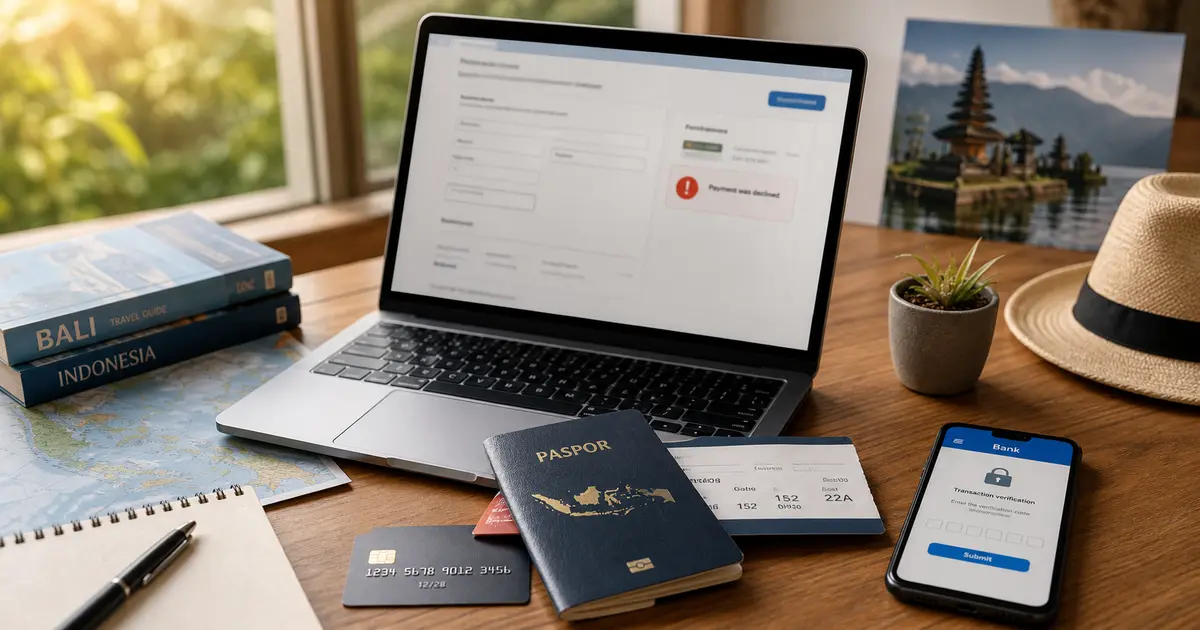
Indonesia e-VOA Payment Failed or Application Stuck: What to Check
If your Indonesia e-VOA payment fails, check the official portal, card settings, and support options before paying again.
eVisaFlow tool
Filling official eVisa and arrival forms?
eVisaFlow helps you reuse passport details and reduce repetitive typing when you complete supported Southeast Asia eVisa and arrival forms.
Related Reading
Guide
Indonesia e-VOA (B1): How to Apply, Required Documents, and Payment
Apply for Indonesia's B1 e-VOA through an official channel: prepare the required documents, complete the form, pay, and save the issued visa.
Guide
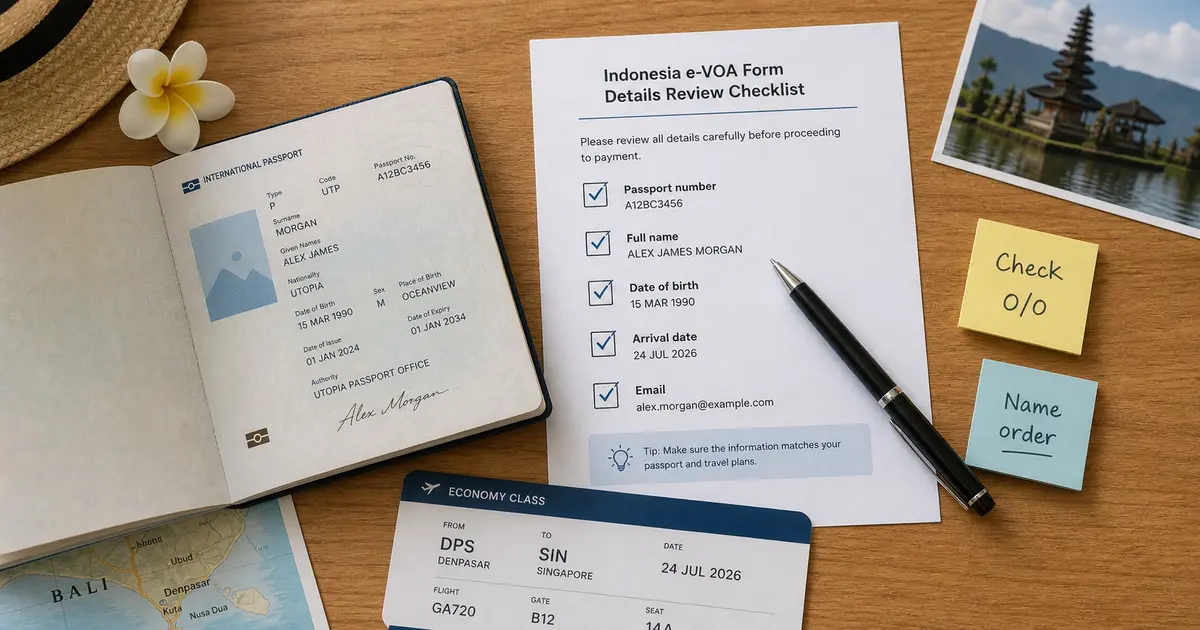
Indonesia e-VOA Form Checks Before Payment
Before paying for an Indonesia e-VOA, check passport data, name spelling, arrival details, and email because processed visa details usually cannot be changed.
Guide
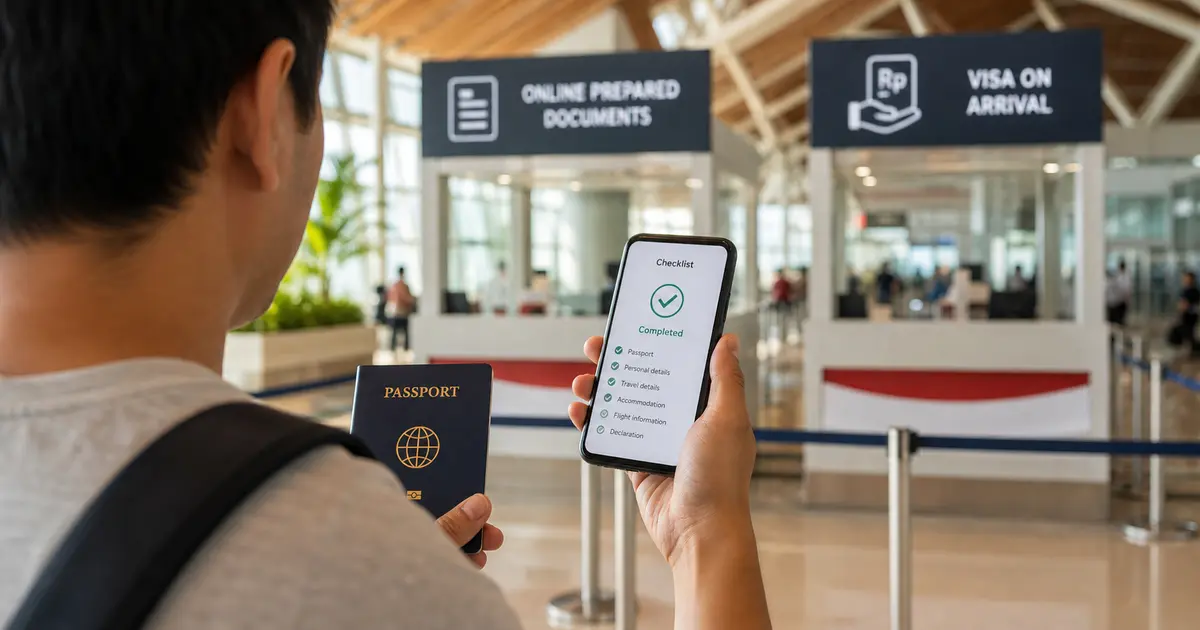
Indonesia e-VOA vs VOA at the Airport: When Applying Online Is Worth It
Indonesia e-VOA and airport VOA serve similar short-visit needs, but the online route lets eligible travelers handle the visa step before arrival.
Guide
How to Verify Official Southeast Asia eVisa and Arrival Card Websites
Use this checklist to verify official Southeast Asian eVisa, arrival card, and immigration portals before entering passport data or paying.