Indonesia's B1 e-VOA is an electronic visa on arrival for eligible travelers making a short visit. This guide explains how to use the official government portal, prepare the required documents, complete the form, pay, and save the issued visa.
TL;DR: Confirm that B1 matches your passport and trip. Use Indonesia's government eVisa portal at evisa.imigrasi.go.id for the application. Its signed-out public B1 flow does not require you to register an application account with an email address. Prepare the required files, review every passport field, and pay the IDR 500,000 fee. The initial stay is up to 30 days. Save the issued visa before traveling.
Use the Official Indonesia eVisa Portal
Apply through Indonesia's government eVisa portal at evisa.imigrasi.go.id. Check the current B1 page before applying to confirm the latest eligibility and requirements.
The numbered steps in this guide follow the public B1 flow on evisa.imigrasi.go.id, tested on July 19, 2026. Start from the portal homepage while signed out and use the orange Apply card. Indonesian Immigration confirms that this online B1 flow does not require registering an application account with an email address or using a sponsor.
B1 or C1?
B1 is available only to eligible Visa on Arrival passport holders. Its public application flow does not require registering an application account with an email address, initially allows up to 30 days, and requires ordinary travelers to have a return or onward ticket. C1 requires an application account registered with an email address on the official Indonesia eVisa portal and signing in to that portal. It initially allows up to 60 days and, for a standard national passport, requires a bank statement covering the past three months with at least USD 2,000 or the equivalent. Check the visa options shown for your passport and trip; do not select B1 only because its application is simpler.
Prepare These Items First
Before opening the form, check the current official B1 page to confirm that your nationality and purpose qualify. Prepare:
- the full biodata page of a national passport valid for at least six months from arrival, or an eligible temporary or emergency passport valid for at least 12 months;
- a recent color passport photograph taken within the past year;
- a return or onward ticket, except for transport crew stopping to join their vessel and continue to another country;
- a phone number and email address you can access;
- your planned arrival date;
- the accommodation type, full address, and postal code for your stay in Indonesia; and
- a supported payment card enabled for international online payments.
Each traveler needs a separate application, including children. Keep the spelling and dates from the passport in front of you instead of copying them from an airline profile or an old visa.
Complete the B1 e-VOA Application
1. Start from the homepage while signed out
Open evisa.imigrasi.go.id and confirm that you are signed out. Select the orange Apply card on the homepage; the portal should open its public visa-selection flow. Do not type an internal application URL manually.
If you are signed in, the same Apply card opens a different account-bound flow. In the tested account flow, passport nationality was locked to the country registered to that account. Sign out before starting if you need the public B1 flow, where each application can use the applicant's own passport nationality.
2. Select the passport country and B1
Select the applicant's passport country, then the activity that matches the trip. Official B1 purposes include tourism, family visits, meetings, incentive travel, conventions, exhibitions or similar events, and transit. Choose B1 and read the displayed visa details before continuing. Do not select B1 only because it is cheaper or faster; the passport country and actual purpose must qualify.
3. Upload the passport page and photograph
Upload a clear image of the complete passport biodata page and a recent color passport photo in a format accepted by the portal. Wait for the portal to read the passport, then compare the extracted full name, sex, date of birth, passport number, nationality, and expiry date with the document. Do not carry an OCR error into the next page.
Complete the remaining personal and contact fields, including place of birth, phone number, and email address. Enter the accommodation type, full address, and postal code for the actual stay in Indonesia. Upload the return or onward ticket when requested, and confirm that every file is accepted before selecting Next.
Dates, postal codes, and addresses must be accepted by the official form. If a value is rejected, correct that field before continuing rather than assuming it will be fixed later.
5. Review and submit the application
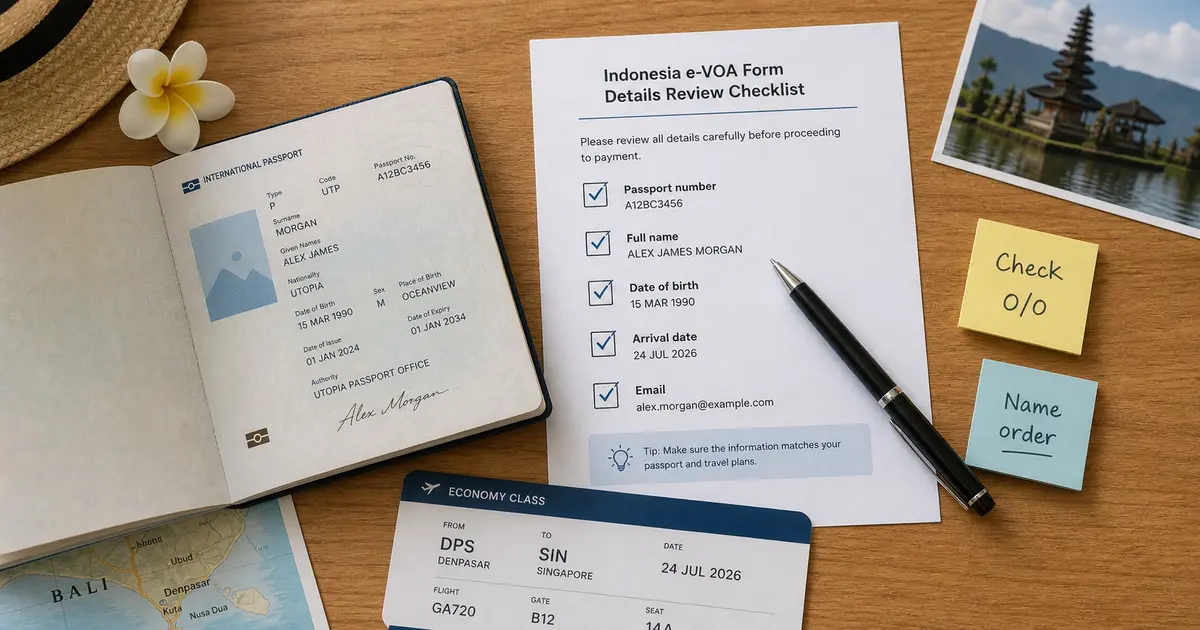
On Review & Submit, compare the passport page, portrait, personal details, passport details, accommodation, and uploaded ticket with the original documents. The page provides separate confirmation checkboxes. Select each one only after the corresponding item is correct, then submit the application manually.
Processed Visitor Visa information cannot be changed. The official FAQ says incorrect information requires a new application, payments for application errors are not refunded, and a visa that does not match the passport is invalid. Use the e-VOA form mistake checklist for a field-by-field review.
6. Pay and save the issued visa
The official B1 fee is IDR 500,000 for the initial 30-day stay. The eVisa information page says payment must be completed within 120 minutes after completing the payment confirmation page. It lists Mastercard, Visa, and JCB cards with 3D Secure and international transactions enabled; additional card or service charges may apply.
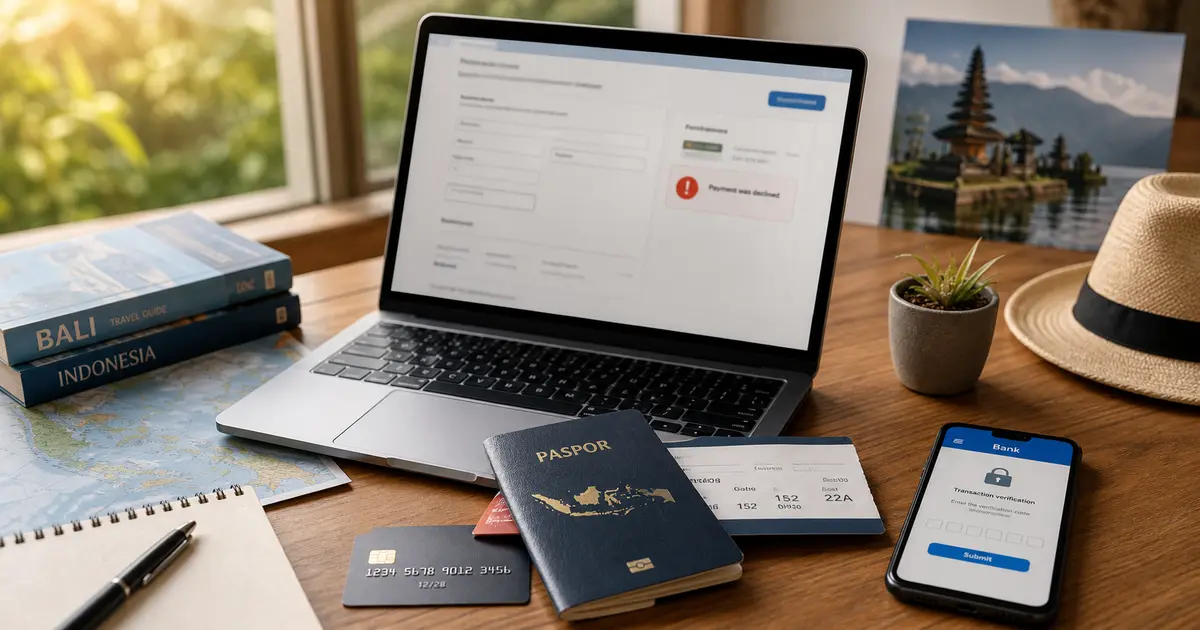
If the payment is suspended or unsuccessful, do not immediately pay again. Check the e-VOA payment troubleshooting guide and contact the official support channel shown by the portal.
Follow the payment page generated for that application and save the payment confirmation. Check the email used in the form and the result page shown by the portal. The B1 page says a pre-arrival e-VOA is sent by the system within 24 hours. If it has not arrived, use the official support details shown by the application channel instead of submitting and paying again. Download the issued visa and keep an offline copy or printout for travel. An e-VOA does not guarantee entry; the immigration officer at the checkpoint makes the final decision.
What B1 Allows
B1 is a single-entry visa with an initial stay of up to 30 days. It can be extended once for a total stay of up to 60 days. Its 90-day validity window is the period in which it can be used to enter Indonesia, not permission to remain for 90 days. B1 does not allow you to sell goods or services, work for pay, or receive wages in Indonesia.
Indonesian Immigration also states that foreign nationals with an electronic passport and an Indonesian e-VOA or eVisa can use autogates. Follow the eligibility checks and instructions at the actual immigration checkpoint.
Where eVisaFlow Helps
After you open the signed-out public B1 flow on the official Indonesia eVisa website and run the extension, eVisaFlow Southeast Asia can fill saved passport, trip, accommodation, and contact details. You still choose the visa, review uploaded files and every official field, select Next, pay, and submit the application yourself.
References
Disclaimer:
The information in this article is compiled by evisaflow.com from official publications and open internet sources for informational purposes only, and does not constitute formal travel advice. Travel information (including but not limited to visa regulations, entry policies, fees, and attraction schedules) is subject to change without notice. Please verify all details independently with the relevant official authorities before traveling. evisaflow.com assumes no liability for travel disruptions or losses resulting from reliance on this content.