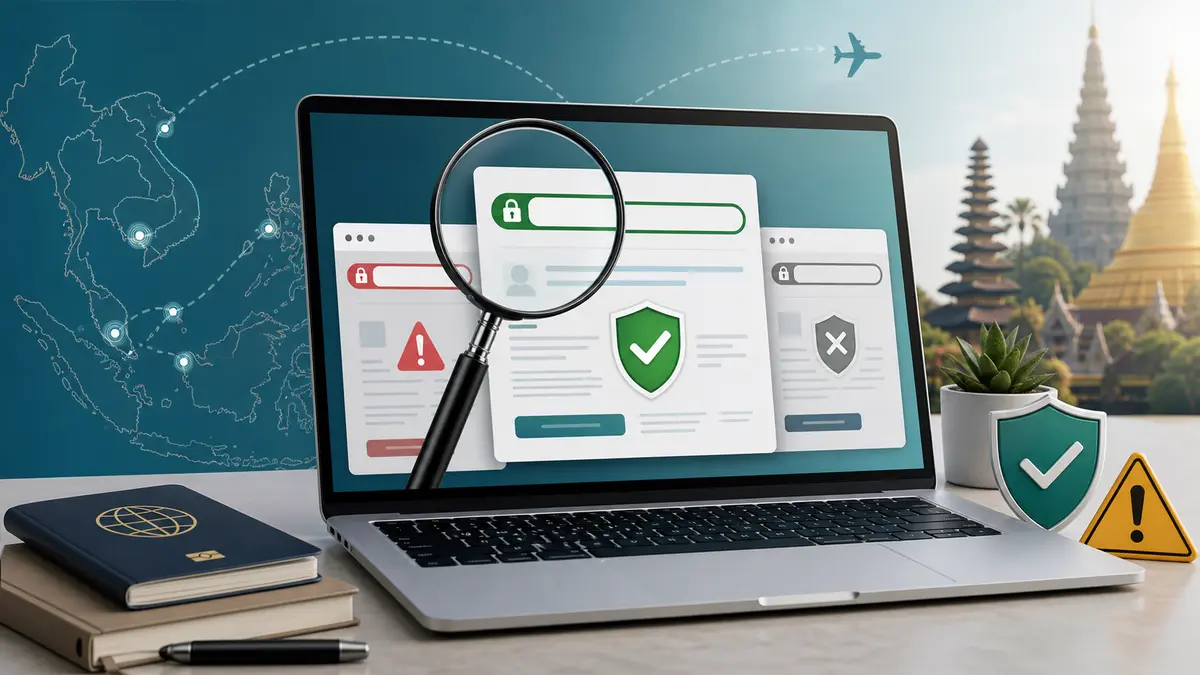
How to Verify Official Southeast Asia eVisa and Arrival Card Websites
Use this checklist to confirm official Southeast Asian eVisa, digital arrival card, and immigration portals before entering passport details or paying fees.
Travelers often search for an eVisa or arrival card in a hurry and click the first sponsored result. That is risky. A private service may be legitimate if it clearly says what it does, but a copycat page can look official, collect passport data, and charge more than the government channel.
TL;DR: For Southeast Asia, verify the domain before entering passport details. Use the official portals listed below for Cambodia, Vietnam, Laos, Thailand, Indonesia, Malaysia, and Singapore, then compare any fee on the payment page with the government information shown there.
Official Portals to Verify
Use these official systems as the baseline when checking a visa or arrival-card website:
Country
Official system
Official domain
Cambodia
eVisa
evisa.gov.kh
Cambodia
e-Arrival and V-Pass
arrival.gov.kh
Vietnam
eVisa
evisa.gov.vn
Vietnam
Tan Son Nhat pre-arrival information pilot
prearrival.immigration.gov.vn
Laos
eVisa
laoevisa.gov.la
Laos
Arrival card
immigration.gov.la
Thailand
Thailand Digital Arrival Card (TDAC)
tdac.immigration.go.th
Indonesia
eVisa / e-VOA
evisa.imigrasi.go.id
Indonesia
All Indonesia arrival declaration
allindonesia.imigrasi.go.id
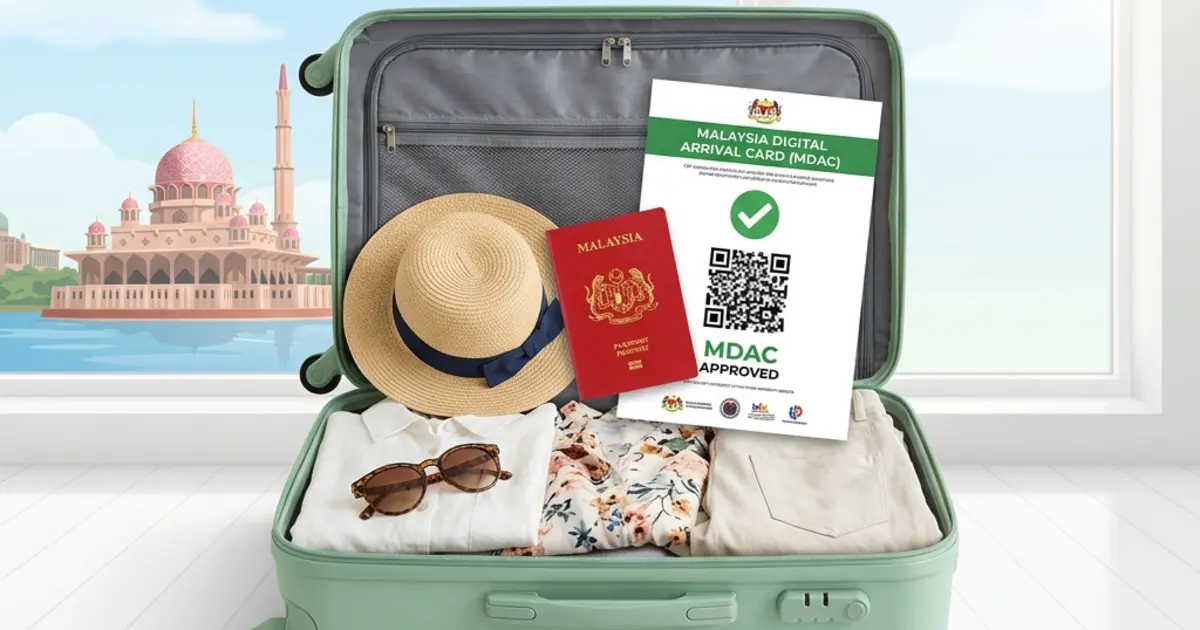
Malaysia
Malaysia Digital Arrival Card (MDAC)
imigresen-online.imi.gov.my
Singapore
SG Arrival Card / ICA e-Service
eservices.ica.gov.sg
If a website is asking for payment or passport images but the domain is different from the official system you expected, stop and verify it from the country's immigration or government website.
How to Check Whether a Site Is Official
Use these checks before you type passport details:
Read the whole domain, not just the logo.evisa.gov.vn is not the same as a commercial domain that only contains the word "Vietnam" or "eVisa".
Prefer government subdomains. Southeast Asian immigration portals commonly use .gov, .go, .go.th, .gov.kh, .gov.vn, .gov.la, or official ministry domains.
Open the portal from a trusted route. Start from the immigration department, foreign affairs ministry, official arrival-card page, or a bookmark you already verified.
Check the payment page wording. If a page says it is an agency, facilitator, or processing service, it is not the government portal.
Do not trust "guaranteed approval" claims. Final approval belongs to the government, not a form-filling service.
Red Flags for Copycat Visa Pages
Be careful when you see:
Search ads above the official portal.
A .com, .net, or unrelated domain that uses flags and official-looking seals.
Fees described vaguely as "processing", "support", "service", or "expedited handling".
A checkout page that hides the government fee and only shows one bundled price.
A request to upload passport images before the site clearly identifies who operates it.
Private agencies can help some travelers, but they should clearly disclose that they are private and show their service fee separately.
Where eVisaFlow Fits
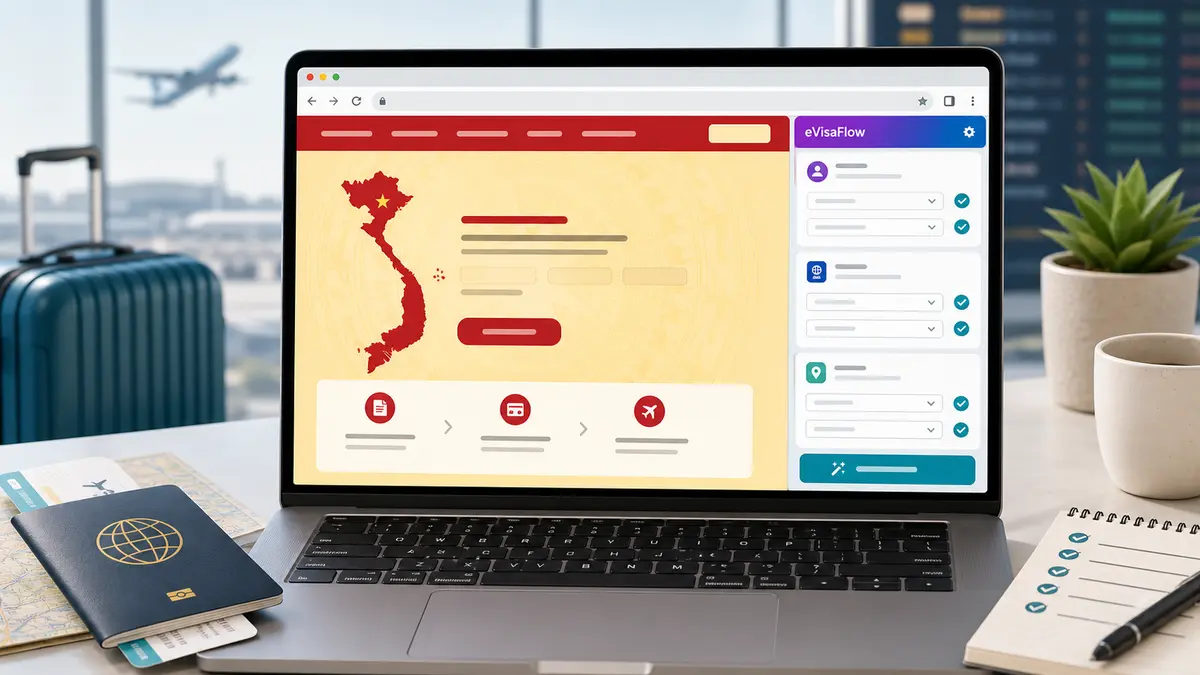
Use the eVisaFlow Chrome extension only after you have confirmed the correct official portal. It helps you keep passport profiles ready and enter saved traveler information on supported official eVisa and arrival-card sites, while you stay on the government page for payment and submission.
Use it to reduce typing errors and prepare forms faster. Submit only after you confirm that you are on the correct official portal.
Disclaimer:
The information in this article is compiled by evisaflow.com from official publications and open internet sources for informational purposes only, and does not constitute formal travel advice. Travel information (including but not limited to visa regulations, entry policies, fees, and attraction schedules) is subject to change without notice. Please verify all details independently with the relevant official authorities before traveling. evisaflow.com assumes no liability for travel disruptions or losses resulting from reliance on this content.
We use cookies
We use cookies for sign-in, preferences, and basic site analytics. By clicking "Accept", you consent to our use of cookies.
Learn more