Travel agencies do not usually lose time because one form is difficult. They lose time because the same traveler details are copied across many forms, destinations, and staff handoffs. Passport numbers, name order, dates, hotel addresses, emails, and flight details can drift when several clients are being prepared at once.
TL;DR: Treat Southeast Asia eVisa and arrival-card work as a controlled workflow: intake, traveler profile, destination checklist, official website, second-person review, authorized payment or submission, and confirmation archive. If your team handles many repeated traveler records, eVisaFlow Southeast Asia can help open the relevant official websites and fill saved passport, trip, stay, and contact details after an operator starts the extension.
Agency Intake Table
Keep one source-of-truth table before anyone opens an official form.
| Field group | What to collect | Agency risk |
|---|---|---|
| Traveler identity | Name, nationality, date of birth, gender, passport number, issue date, expiry date | One copied passport number can move from one client to another. |
| Trip details | Arrival date, departure date, transport, destination, port or airport | Flight changes may be updated for one traveler but not the group. |
| Stay details | Hotel name, address, city, host, contact number | Old booking addresses often survive in copied forms. |
| Contact details | Email, phone, emergency contact | Confirmations may go to an inbox nobody monitors. |
| Official workflow | Destination, form type, official portal, status, payment owner | Staff may use a search result or private checkout page instead of the official site. |
For agencies, the important boundary is authorization. The client or authorized staff member should know who is entering the information, who reviews it, who pays, and where the official confirmation will be stored.
Recommended Workflow
Use the same order for every batch:
- Create or update one traveler profile per client.
- Separate traveler-specific details from shared trip details.
- Group travelers by destination and form type.
- Open the relevant official website for that destination.
- Fill the form from the saved profile or approved intake sheet.
- Assign a second person to review passport number, name order, dates, hotel, and contact fields.
- Let the authorized person decide payment, confirmation, or submission on the official website.
- Archive the official confirmation, QR code, approval letter, or receipt in the client's trip file.
This order prevents the common agency problem: one staff member fixes a hotel address in a spreadsheet, while another staff member is already submitting a copied version in a browser tab.
Review Queue for Multiple Travelers
Create simple statuses that everyone uses:
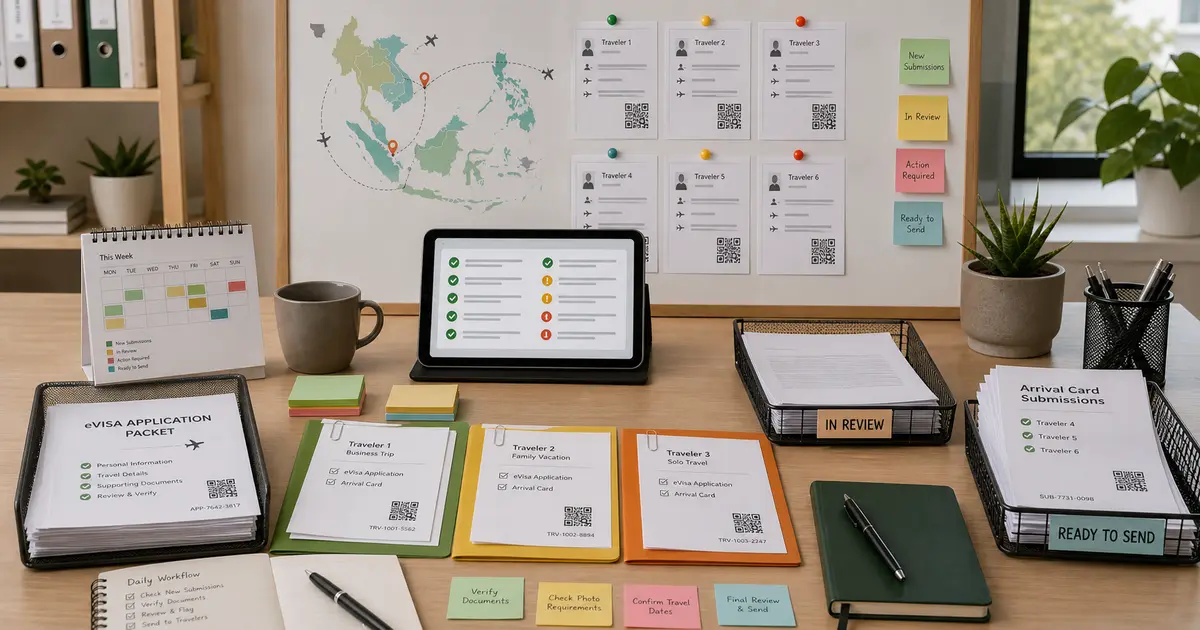
| Status | Meaning | Next action |
|---|---|---|
| Intake missing | Passport, trip, or stay data is incomplete | Ask the client before opening the official form. |
| Ready to fill | Intake has been checked | Open the official website and enter the data. |
| In review | Form has been filled but not submitted | A second person checks identity and trip fields. |
| Awaiting authorization | Form is ready, but payment or submission needs approval | Get client or agency authorization. |
| Confirmed | Official confirmation has been received | Save the confirmation and tell the traveler what to carry or show. |
Do not use informal statuses such as "done" if that can mean either "typed into a form" or "officially confirmed." For travel documents, those are very different states.
Where Reusable Profiles Help
Agency work becomes easier when reusable traveler data sits between intake and the official form. That is especially true when the same team handles several Southeast Asia destinations, several travelers, or repeated handoffs between sales, document collection, and operations.
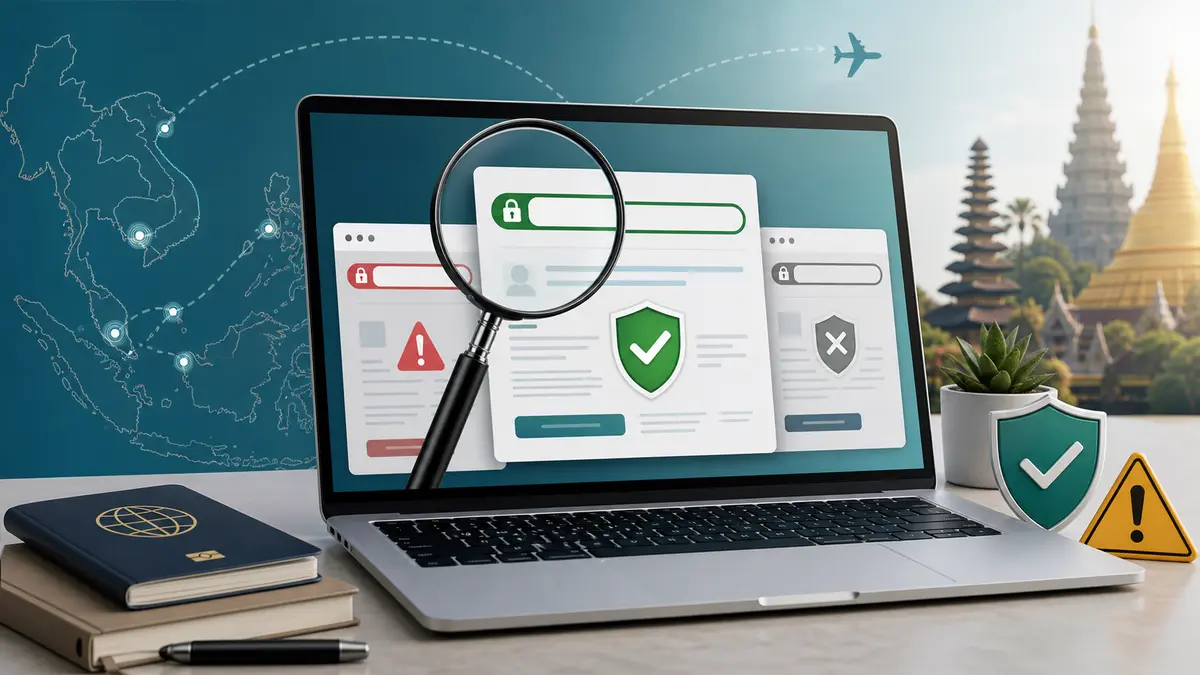
eVisaFlow Southeast Asia can support that middle step. It keeps reusable traveler details and fills saved passport, trip, stay, and contact fields on the relevant Southeast Asia official websites after the operator runs the extension. The extension also includes quick-open access to relevant official websites, which helps staff start from the intended portal instead of a search-result clone.
Controls That Prevent Agency Mistakes
Use these rules as operating controls:
- never reuse a browser tab for another traveler without checking the name and passport number;
- never paste passport numbers from chat messages when a cleaner intake source exists;
- never submit a form when the hotel address or arrival date is still "to be confirmed";
- never pay through a private page if the workflow is supposed to happen on an official portal;
- never call a case complete until the official confirmation, QR code, approval letter, or receipt is archived;
- never give the traveler a screenshot if the destination requires a downloadable confirmation or printable letter.
These controls are not about slowing the agency down. They protect the agency from rework, refunds, missed flights, and traveler confusion at check-in or arrival.
Handoff Checklist
Before closing a client file, confirm:
- every traveler has a separate passport profile;
- shared trip details match the latest booking;
- each destination was opened from the official website or trusted official link;
- passport number, name order, birth date, and expiry date were reviewed by a second person;
- payment or submission was authorized by the correct party;
- official confirmations were saved in the client file;
- the traveler knows whether to print, download, or show a QR code on arrival.
For agencies, the goal is not just faster typing. It is a repeatable workflow where reusable data, official-site discipline, and final human review stay in the same system.