Family travel forms become slow because the same details are typed again and again: passport number, name order, date of birth, nationality, flight number, hotel address, email, and phone number. The risk is not only wasted time. One copied digit, one swapped surname, or one wrong hotel date can create check-in delays or force a fresh submission.
TL;DR: Create one clean traveler profile per family member before you start official eVisa or arrival-card forms. Use the passport as the source of truth, reuse shared trip details carefully, and review every official form before submission. eVisaFlow Southeast Asia can reduce repeated entry by filling saved passport, trip, stay, and contact details on the relevant Southeast Asia official websites after you run the extension.
What Families Keep Re-Typing
| Detail | Why it repeats | Common family mistake |
|---|---|---|
| Passport number | Every traveler has a separate document | Copying one parent's passport number into a child's form. |
| Surname and given names | Name fields appear on eVisa and arrival forms | Swapping surname and given names for one traveler. |
| Birth date and nationality | Needed for identity matching | Mixing date order between travelers. |
| Flight or transport details | Shared by most family members | Updating one form after a flight change but not the others. |
| Hotel or stay address | Often shared by the family | Pasting an incomplete hotel name or old booking address. |
| Email and phone | Used for receipts, confirmation, and contact | Using an email that no one checks during travel. |
The safest approach is to separate traveler-specific details from shared trip details. Passport fields belong to the individual traveler. Flight, hotel, contact, and itinerary fields may be shared, but they still need a final review on each official form.
Build One Traveler Profile per Person
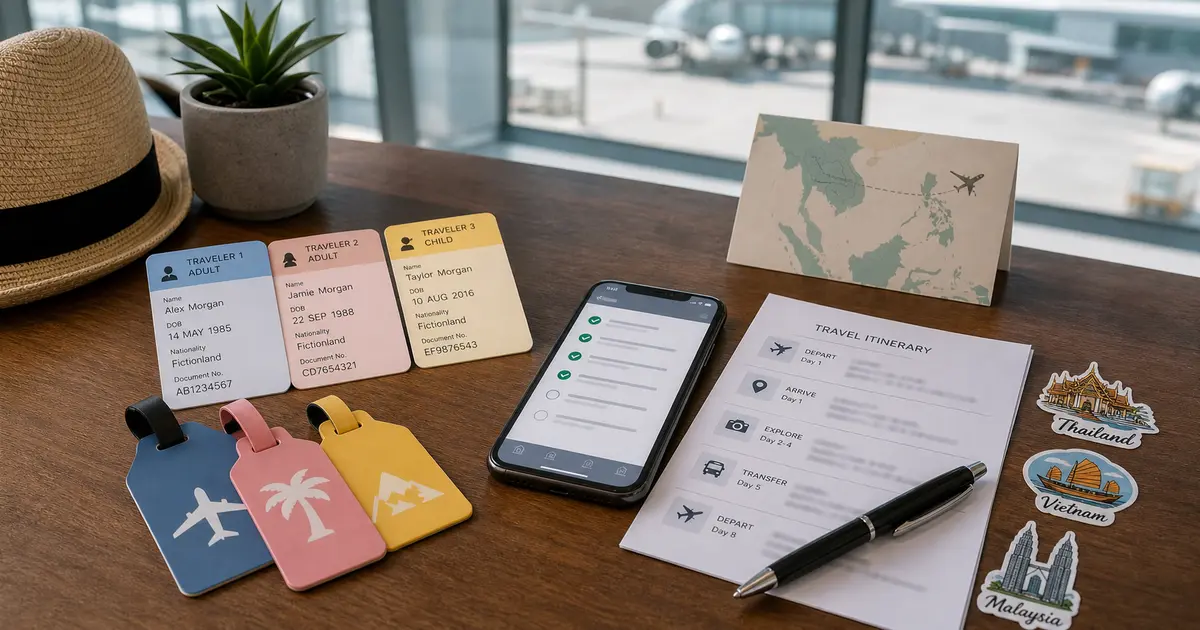
Before opening any official form, create a simple profile for each traveler:
- full name exactly as shown in the passport;
- surname and given names separated according to the passport and form labels;
- passport number, issuing country, issue date, and expiry date;
- nationality, date of birth, and gender where required;
- a note for children or travelers with different surnames;
- a current passport image source only for your own reference, not for sending through unofficial channels.
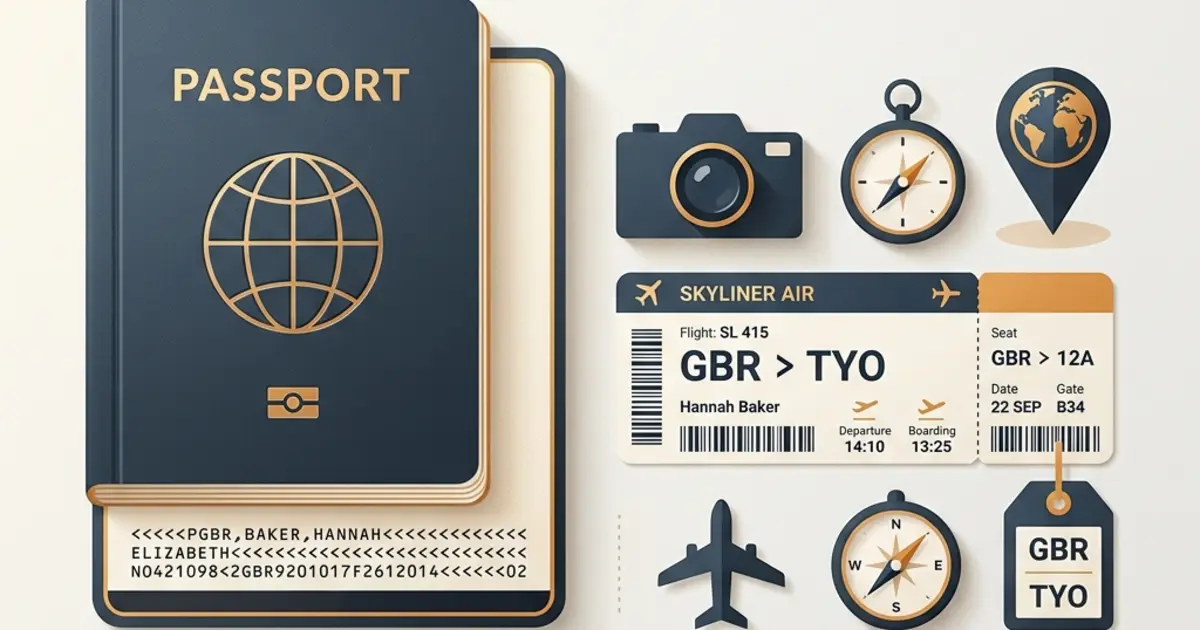
For name order, the MRZ at the bottom of many passport data pages can help confirm how the passport encodes the name. It is still not a substitute for reviewing the official form preview.
Keep Shared Trip Details Separate
Most family members share the same trip information, but that does not mean every field should be pasted blindly. Keep one clean trip note with:
- arrival date and departure date;
- flight number, train number, bus route, or other transport details;
- hotel name and address;
- city, province, or port of entry when the official form asks for it;
- emergency or travel contact;
- email address used for confirmations.
When one item changes, update the shared note first, then refill or review every traveler form. Do not leave one child's arrival card with the old flight number while the adults use the new one.
Filling Order for a Family
Use the same order every time:
- Prepare traveler profiles from passports.
- Prepare one shared trip note.
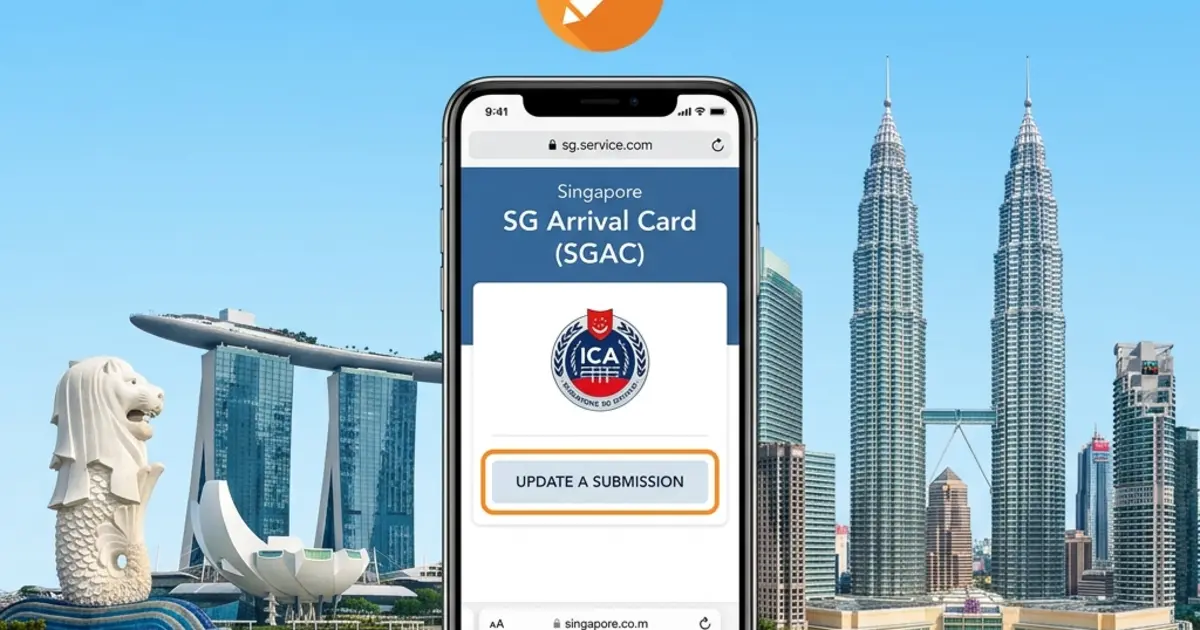
- Open the correct official website for the destination.
- Fill the first adult form and review field labels carefully.
- Repeat for the second adult.
- Fill children or dependents last, checking name order and passport number.
- Review each official form preview before payment, confirmation, or submission.
- Save or print official confirmations where the destination asks you to keep them.
This order prevents the most common problem: starting with one traveler, changing trip details halfway through, then forgetting which forms were already updated.
Where Reusable Profiles Help
Reusable profiles matter most when the same passport and trip details move across several official forms, family members, or client travelers. The goal is not to skip review; it is to stop retyping the same fields from scratch every time.
eVisaFlow Southeast Asia lets you keep reusable traveler details and fill saved passport, trip, stay, and contact information on the relevant Southeast Asia official websites after you run the extension. It is useful when:
- one family has several passport profiles;
- the same hotel and flight details repeat across travelers;
- a trip includes more than one Southeast Asia destination;
- a parent or organizer prepares forms for people who do not type comfortably;
- an agency handles repeated official-form entry for travelers.
Family Review Checklist
Before submitting each official form, check:
- passport number belongs to the same traveler;
- surname and given names match the passport;
- date of birth and passport expiry date are correct;
- arrival date, departure date, and flight or transport details match the latest booking;
- hotel or stay address is current;
- email address is monitored during travel;
- every child has the right passport and travel dates;
- you are on the official website, not a copied form or private checkout page.
For families, the goal is consistency: the right passport details, the right trip details, and the same current information across every traveler form.