Guide 3 min read

Passport MRZ and Name Order: How to Avoid Visa Form Mistakes

Understand surname, given names, middle names, and passport MRZ data before filling out eVisa or arrival-card forms.
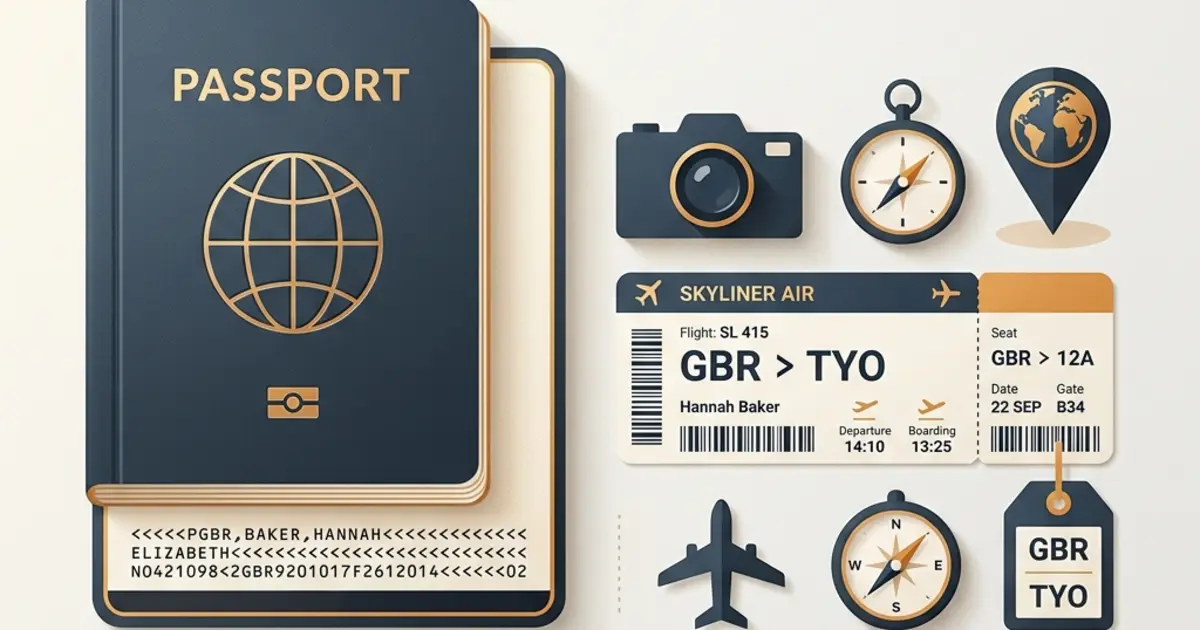
Name mistakes are among the most stressful travel-form errors. A visa may show the wrong order, a middle name may be missing, or a passport number may contain a confused O and 0. These errors do not always mean denied boarding, but they can cause delays, manual review, re-application, or airline check-in problems.

TL;DR: Use your passport as the source of truth. Match the surname and given-name fields exactly as the official form asks. The MRZ at the bottom of the passport data page is useful because it encodes the travel document in a machine-readable format, but you must still review every field before submission.


Direct Answer: Name Fields on Visa Forms

Field What It Usually Means Common Mistake
Surname / Family Name Last name shown in the passport Entering given name here
Given Names First name plus middle names Omitting middle names
Full Name Name as printed or encoded by the form Swapping order manually
Passport Number Number from the passport data page Confusing O and 0, I and 1

What the MRZ Is

The Machine Readable Zone (MRZ) is the two-line code printed at the bottom of many passport data pages. It is designed for machines to read document type, issuing country, name, passport number, nationality, date of birth, sex, expiry date, and check digits.

For travelers, the MRZ is useful because it reduces guesswork. It helps confirm how the passport encodes your name, especially when your printed name contains middle names, long spacing, accents, or hyphens.


How Name-Order Problems Happen

Most errors happen because form labels vary by country:

  • Some forms ask for Surname first, then Given names.
  • Some display the approved visa in a different order from the input screen.
  • Some passports print local-language names, Romanized names, and MRZ names differently.
  • Some travelers enter only their first name even though the passport shows first and middle names together.

If your visa, ticket, and passport do not appear to match, the airline or border officer may need manual review. For tight itineraries, that can be enough to miss a flight.

Do not assume a minor typo is harmless. If the approved visa has a name or passport-number error, check the official correction or re-application process before travel.


Safer Filling Workflow

  1. Put your physical passport next to the form.
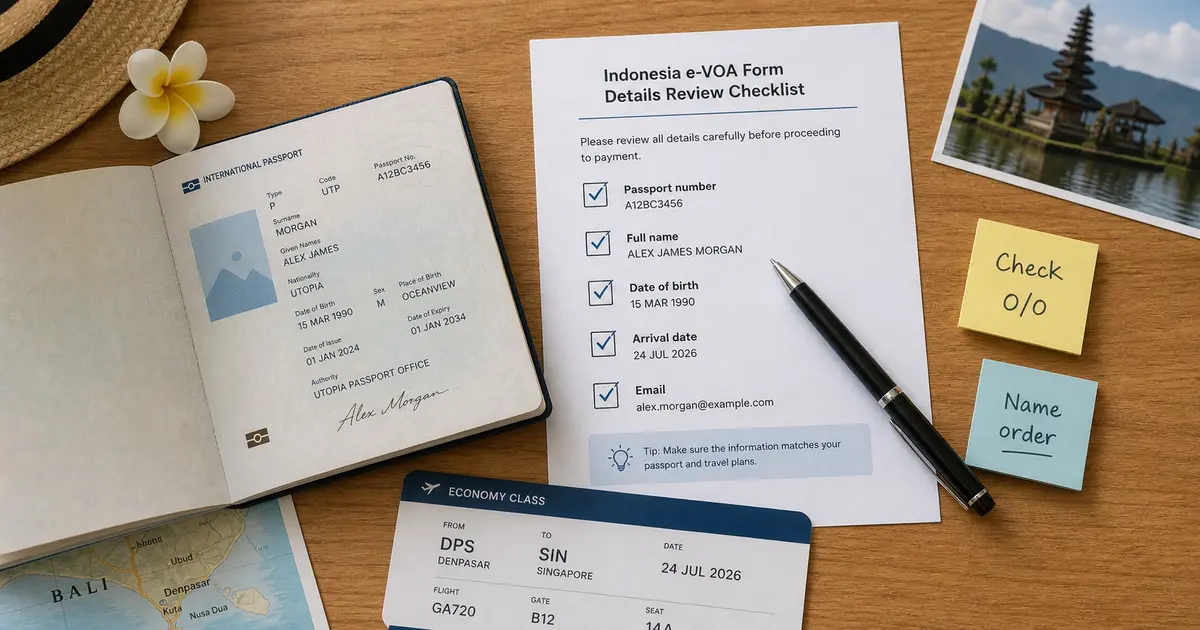
  2. Enter surname and given names exactly according to the official field labels.
  3. Include middle names when the passport groups them under given names.
  4. Check passport number, date of birth, nationality, and expiry date twice.
  5. Compare the final preview or PDF with the passport before paying or traveling.

eVisaFlow Chrome extension can use the MRZ to help enter passport information on supported official forms, reducing the risk of retyping the same name or passport number incorrectly.


Official References & Verification Sources

Related Reading

Disclaimer: The information in this article is compiled by evisaflow.com from official publications and open internet sources for informational purposes only, and does not constitute formal travel advice. Travel information (including but not limited to visa regulations, entry policies, fees, and attraction schedules) is subject to change without notice. Please verify all details independently with the relevant official authorities before traveling. evisaflow.com assumes no liability for travel disruptions or losses resulting from reliance on this content.

We use cookies

We use cookies for sign-in, preferences, and basic site analytics. By clicking "Accept", you consent to our use of cookies. Learn more