Disclaimer: The information in this article is compiled by evisaflow.com from official publications and open internet sources for informational purposes only, and does not constitute formal travel advice. Travel information (including but not limited to visa regulations, entry policies, fees, and attraction schedules) is subject to change without notice. Please verify all details independently with the relevant official authorities before traveling. evisaflow.com assumes no liability for travel disruptions or losses resulting from reliance on this content.
Guide
Border & Entry
Travel Tips
4 min read
Cambodia e-Arrival QR Code Guide: Customs, Health, and Traveler Details
What to check before submitting Cambodia e-Arrival, saving the QR code, and presenting it on arrival.
eVisaFlow tool
Filling official eVisa and arrival forms?
eVisaFlow helps you reuse passport details and reduce repetitive typing when you complete supported Southeast Asia eVisa and arrival forms.
Related Reading

Guide
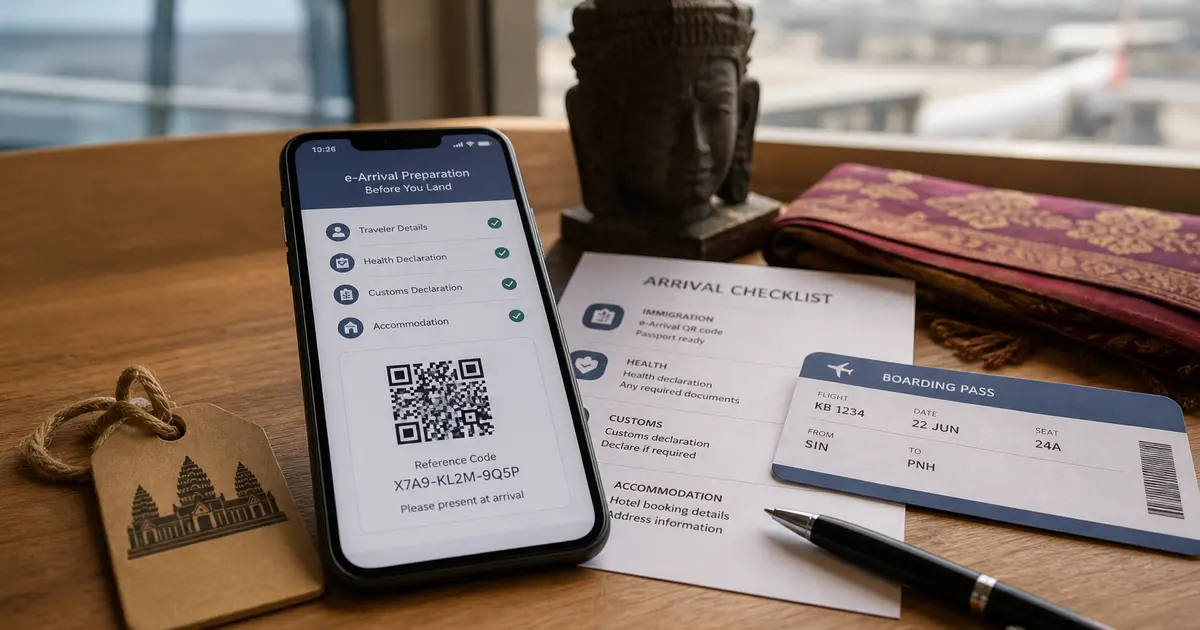
Cambodia Visa and e-Arrival Guide: Requirements, Fees, and Entry Checklist
Understand Cambodia visa options, e-Arrival requirements, official fees, and the documents travelers should prepare before flying.
Guide
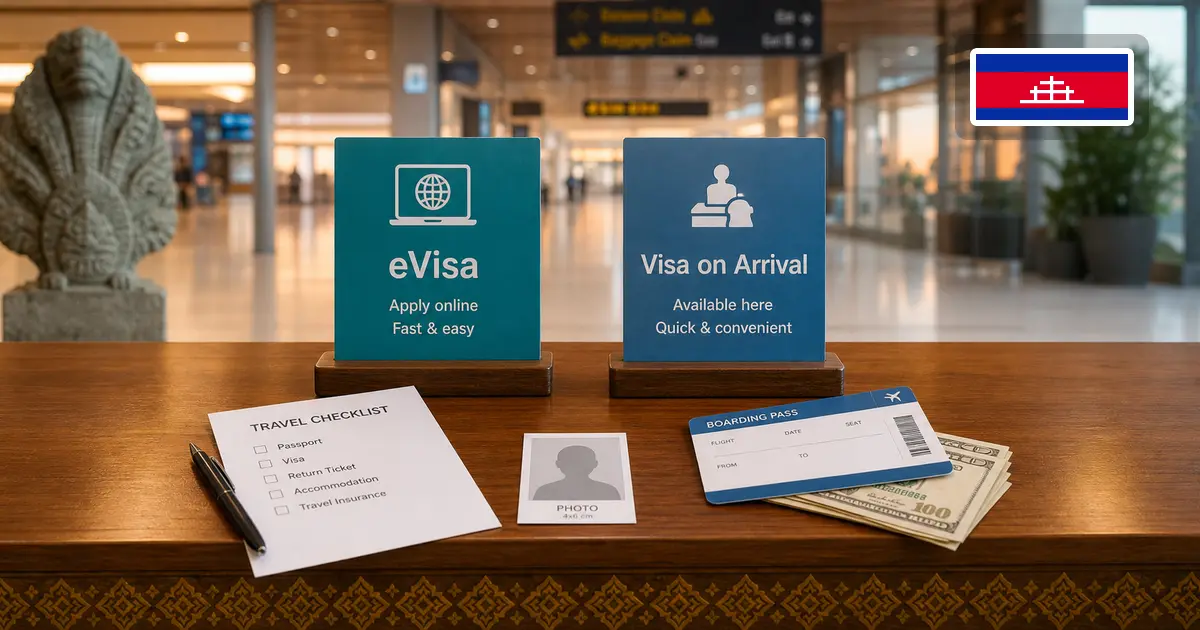
Cambodia Visa on Arrival vs eVisa: Apply Online or After Arrival?
Compare Cambodia Tourist visa on arrival with the official eVisa by timing, documents, entry points, fees, and the separate e-Arrival requirement.
Guide
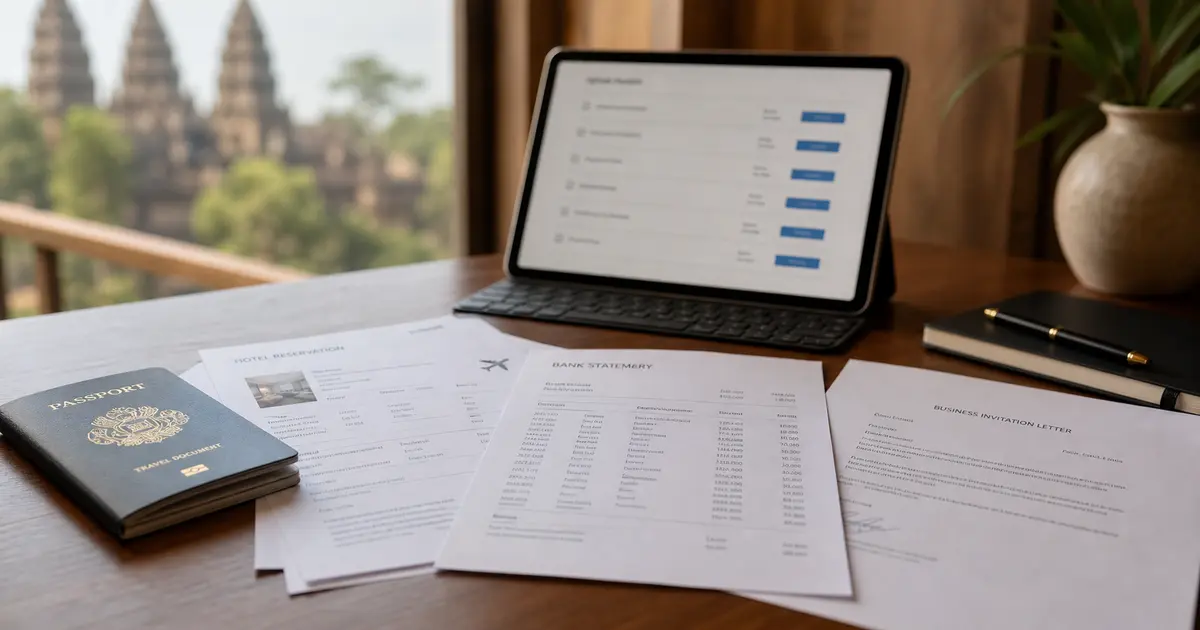
Cambodia eVisa Supporting Documents: Tourist and Business Requirements
Understand Cambodia eVisa supporting documents, including the mandatory invitation, company, guarantee, patent, and hiring-quota files for Business Visa E.
Guide
eVisa vs ETA vs Digital Arrival Card: What's the Difference?
Confused about eVisas, ETAs, and arrival cards? Learn what each document is, when you need it, and how to avoid denied boarding.