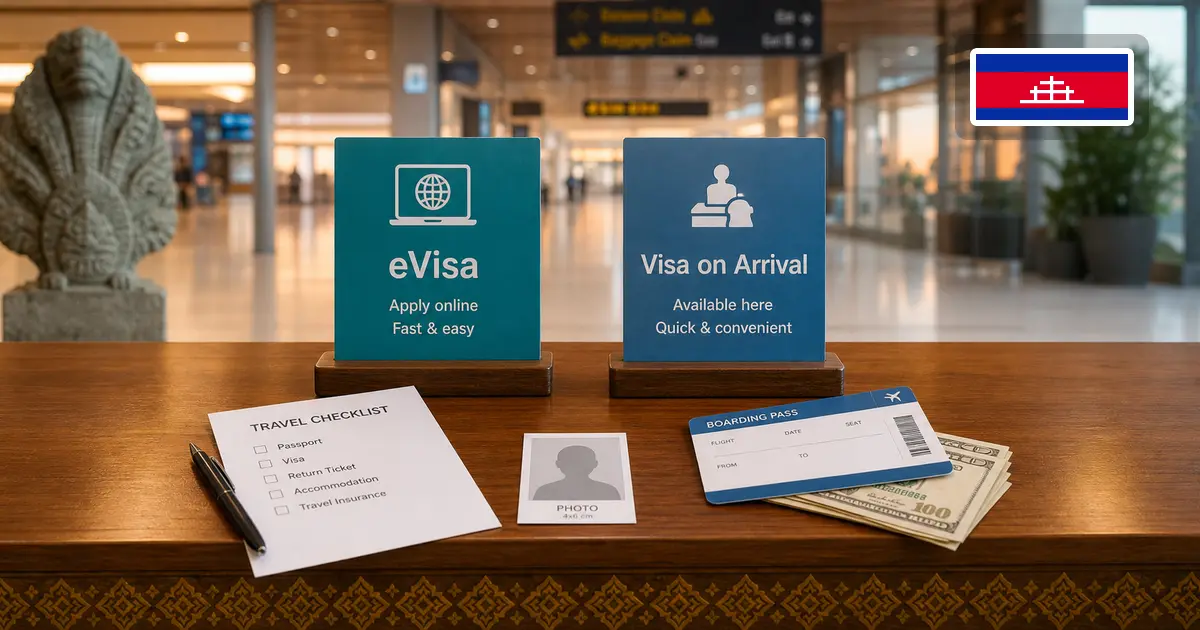
Cambodia offers more than one visa route, but they are not interchangeable in every case. The official eVisa lets an eligible traveler apply before departure. The Royal Embassy of Cambodia in Washington confirms that an eligible traveler can obtain a Tourist (Type-T) visa on arrival, while recommending a visa before travel to avoid inconvenience and advising travelers to confirm boarding with their airline.
Checked on July 17, 2026: this comparison treats visa on arrival as the Tourist Type-T route confirmed by the official embassy page. It does not assume that every visa type, nationality, or checkpoint has the same arrival procedure.
TL;DR: Choose eVisa if you want a decision before travel and will enter at a point currently accepting eVisa entry. Consider Tourist visa on arrival only after confirming eligibility, airline boarding requirements, and the procedure at the intended checkpoint. Whichever visa route you use, Cambodia's General Department of Immigration says all travelers can submit the free e-Arrival within seven days before or on arrival.
Quick Comparison
| Question |
Cambodia eVisa |
Tourist Visa on Arrival |
| When is the visa step handled? |
Online before travel |
At the arrival checkpoint |
| Officially stated materials |
Passport valid for more than six months at entry, recent passport-size JPEG/PNG photo, and valid Visa/MasterCard |
Valid passport, recent passport photo, and the form distributed on arrival |
| Published visa details |
Visa T: USD 30; Visa E: USD 35; single entry, three-month validity from issue, one-month stay, three-business-day processing |
The embassy page confirms Tourist Type-T availability but does not publish a universal checkpoint procedure on that page |
| Entry-point issue |
Entry must use a port currently supporting eVisa entry |
Confirm availability and procedure for the intended checkpoint and with the airline before travel |
| e-Arrival |
Separate and free; all travelers can submit within seven days before or on arrival |
Separate and free; all travelers can submit within seven days before or on arrival |
Nationality, passport type, visa exemptions, and the purpose of travel still affect which route is available. Check those points before treating either column as applicable to your trip.
When eVisa Makes More Sense
The official eVisa is the clearer option when you want the visa step handled before travel. It is also useful when:
- you want time to verify passport data and uploaded files before payment;
- you are preparing several applicants and need to keep their records separate;
- your planned entry point is marked Yes for eVisa entry on the official port list;
- you want to receive the certificate by email or download it through Check & Change before departure.
The official visa-type page currently lists:
- Visa T (Tourist): USD 30, single entry, valid for entry for three months from issue, one-month stay, three-business-day processing;
- Visa E (Business): USD 35, single entry, valid for entry for three months from issue, one-month stay, three-business-day processing.
Always follow the amount and payment details shown on the official page when you apply.
When Tourist Visa on Arrival May Fit
The official Cambodian embassy page says a Tourist Type-T visa can be obtained on arrival. It tells travelers to have:
- a valid passport;
- a recent passport photo;
- the form distributed on arrival.
The same page recommends obtaining the visa before travel to avoid inconvenience and tells travelers to confirm with the airline that they can board and obtain the visa at a Cambodian international airport.
Visa on arrival therefore still requires preparation. Before relying on it, confirm:
- your nationality and passport are eligible for the intended route;
- the airline will accept your documents for boarding;
- the intended checkpoint currently handles the arrival-visa procedure you need;
- you have the current documents and payment method requested at that checkpoint.
The official 2022 arrival notice states that visa-on-arrival service resumed for travelers entering by air, land, and water. That general notice does not prove that every checkpoint offers every visa type today, so verify the specific route close to travel.
The current application form includes separate required fields for the passport and application photo, plus personal, passport, travel, visa-type, intended-entry-date, and Port of Entry fields.
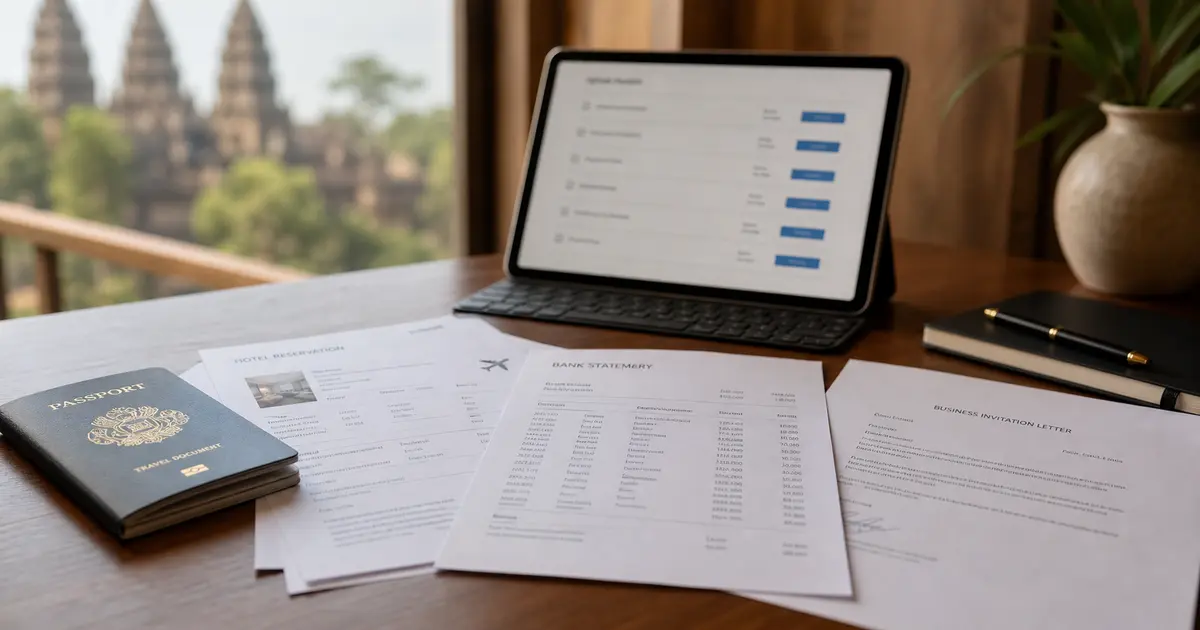
The current Support Documents section displays five common upload fields:
- Accommodation;
- Bank statements for the last 3 months;
- Flight Ticket In / Bus In;
- Flight Ticket Out / Bus Out;
- Other.
Business Visa E also requires a letter of invitation, patent certificate, business/company supporting letter, guarantee letter, and hiring quota. The official website has a front-end bug: it does not display required asterisks on those Business fields. The missing asterisks do not make the documents optional.
The section displays JPG, JPEG, PNG, and PDF formats and a 2 MB size limit. Recheck the live form before submitting because fields and validation can change, but do not omit the mandatory Business Visa E documents because of the labeling bug.
For a detailed review of those fields, use the Cambodia eVisa supporting-documents guide.
eVisa Entry Points
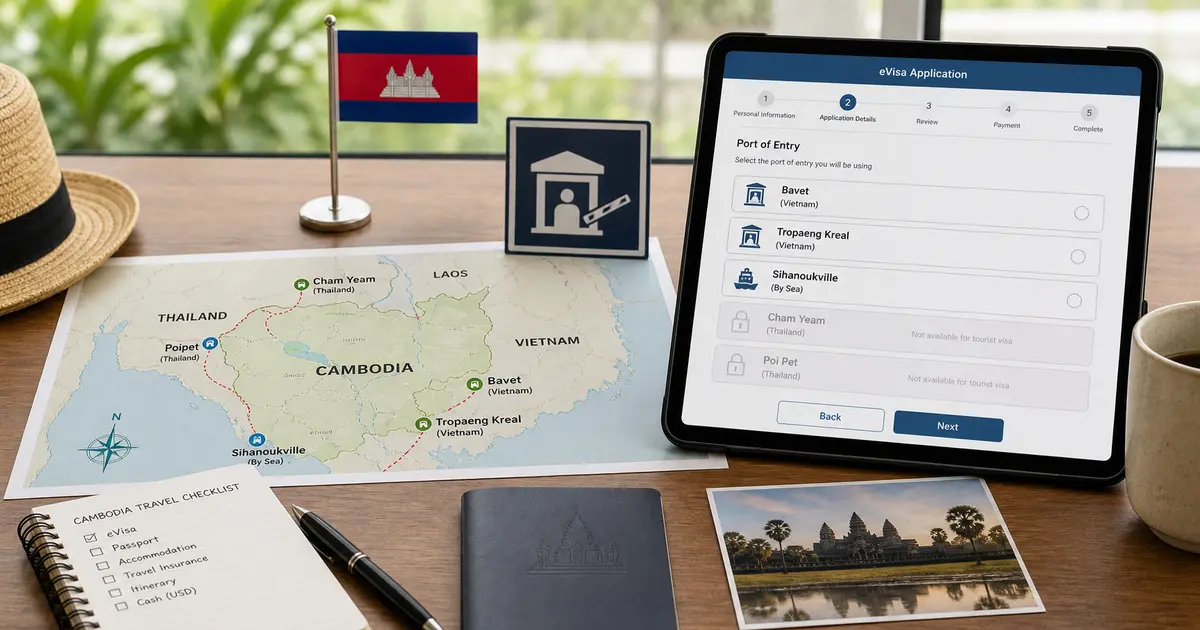
The official eVisa port list currently marks Yes for eVisa entry at:
- Techo International Airport (KTI);
- Siem Reap Angkor International Airport (SAI);
- Sihanoukville International Airport (Not Cruising Ships);
- Bavet (Svay Rieng);
- Tropaeng Kreal Border Post (Stung Treng).
It marks No for eVisa entry at Cham Yeam (Koh Kong) and Poi Pet (Banteay Meanchey), with both described as temporarily closed for eVisa entry until further notice. The same official list shows Yes for eVisa exit at those two ports, so this is not a statement that the entire border crossing is closed.
For route planning, see the Cambodia eVisa entry-point guide.
eVisa, Visa on Arrival, and e-Arrival Are Separate
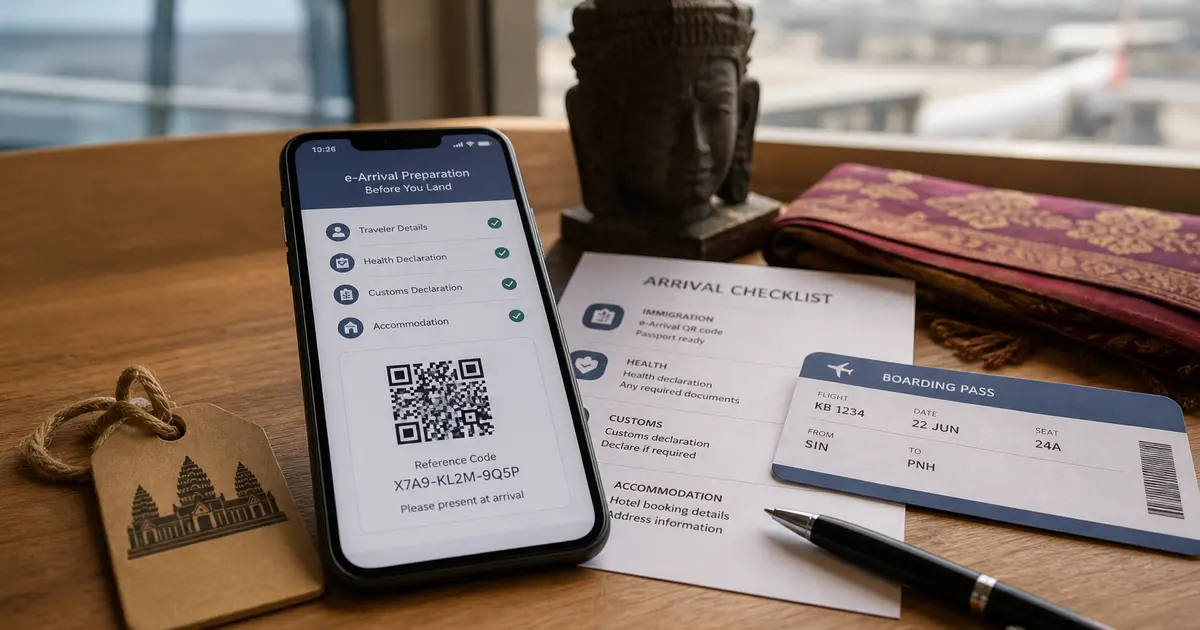
eVisa and visa on arrival are two ways of handling a visa. Cambodia e-Arrival is a separate digital arrival submission.
The General Department of Immigration currently states that all travelers can submit Cambodia e-Arrival within seven days before or on arrival, and that submission is free. The official eVisa portal also says all travelers are required to complete e-Arrival even if they already have a visa.
For the declaration and QR process, see the Cambodia e-Arrival QR code guide.
Reducing Repeated Entry For Groups
The eVisa and e-Arrival websites repeat passport, trip, stay, and contact fields. After you decide that the official online route fits the traveler, eVisaFlow Southeast Asia can reuse saved details on the official websites.
It does not decide visa eligibility, select an entry point, choose supporting documents, make payment, or submit the application. Those steps still follow the current official pages.
References
Disclaimer:
The information in this article is compiled by evisaflow.com from official publications and open internet sources for informational purposes only, and does not constitute formal travel advice. Travel information (including but not limited to visa regulations, entry policies, fees, and attraction schedules) is subject to change without notice. Please verify all details independently with the relevant official authorities before traveling. evisaflow.com assumes no liability for travel disruptions or losses resulting from reliance on this content.