Disclaimer: The information in this article is compiled by evisaflow.com from official publications and open internet sources for informational purposes only, and does not constitute formal travel advice. Travel information (including but not limited to visa regulations, entry policies, fees, and attraction schedules) is subject to change without notice. Please verify all details independently with the relevant official authorities before traveling. evisaflow.com assumes no liability for travel disruptions or losses resulting from reliance on this content.
Guide
Border & Entry
6 min read
SG Arrival Card Submission Error: Official Steps and What to Check First
ICA publishes no error-code lookup for the SG Arrival Card. Here is the official reporting route, plus the submission rules and blockers to check before you write in.
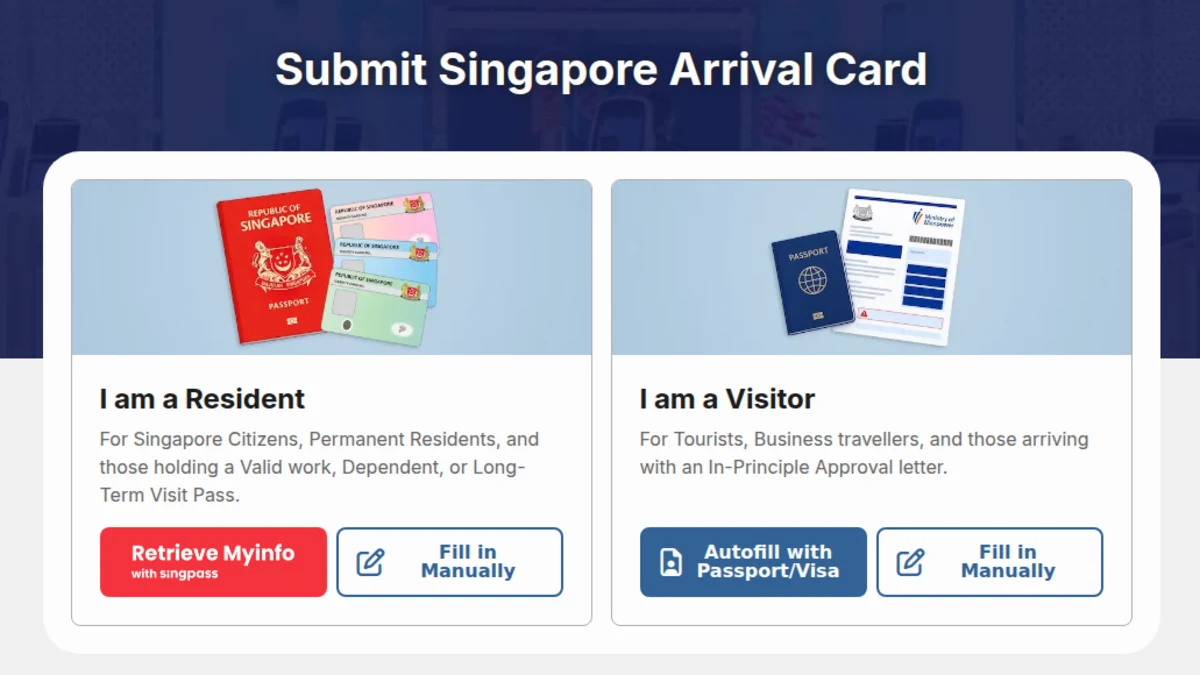
TL;DR: ICA does not publish a list of SGAC error codes, so searching for the code on third-party sites leads nowhere. The official route is the ICA feedback form with a screenshot, stating whether you used the web service or the MyICA app. Before reporting, confirm you are inside the three-day window, on an official channel, and not hitting one of the known form blockers below.
Why There Is No Error-Code Lookup
Travellers who hit a failure on the SG Arrival Card often see a long reference string and search for its meaning. That search will not find an official answer.
ICA's public FAQ has a single entry covering submission errors. It does not explain individual codes or list them. Any third-party page claiming to decode SGAC error numbers is not working from published ICA material.
The reference string still matters, but for a different reason: it identifies your session when ICA looks into the case. Capture it in a screenshot rather than trying to interpret it.
What ICA Asks You to Send
The official answer is to write in through the feedback form. ICA asks for specific details:
- Select "Other matters" for the first question on the form.
- Attach a screenshot of the error message, if you have one.
- State whether you were using the web service or the MyICA app.
- If you were using the MyICA app, also provide your device model and operating system.
Sending those four items in the first message avoids a round trip.
Check These Before You Report a Problem
Several common failures are not system faults. Confirm each of these first.
You are inside the submission window
The SG Arrival Card should be submitted within three days prior to your date of arrival in Singapore, including the day of arrival. Attempting to submit earlier than that window is expected to fail.
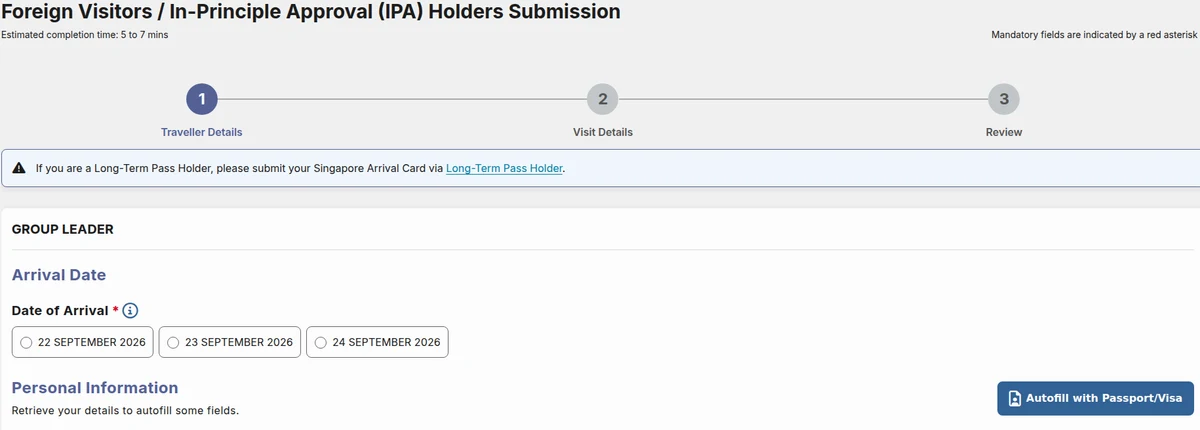
You actually need to submit
All travellers must submit the SG Arrival Card with Electronic Health Declaration before arriving, except:
- those transiting or transferring through Singapore without seeking immigration clearance; and
- residents (Singapore citizens, Permanent Residents and Long-Term Pass holders) travelling through Woodlands and Tuas Checkpoints.
You are on an official channel
Submission is free of charge and is only offered through two official channels: the SGAC e-Service and the MyICA mobile app. A page that charges a fee is not one of them.
Your browser is supported
The ICA e-Service states it is optimised for Edge, Firefox, Chrome and Safari. If a submission stalls in another browser, retry in one of those before reporting a fault.
Two Official Versions Are Live at the Same Time
ICA is running an enhanced version of the SG Arrival Card alongside the existing one. Both accept submissions, and ICA states that only one submission is required per trip.
This matters when something looks wrong: a record submitted on one version will not appear in the other version's interface. Before concluding that a submission was lost, check the version you actually used.
Known Blockers That Are Not System Errors
ICA's FAQ documents several situations that stop people mid-form and are often mistaken for faults.
Your airline is not in the list
Select "PRIVATE/CARGO AIRLINE/OTHERS" under the "Mode of travel (Details)" dropdown, then enter your flight details in the "Carrier Name/Flight number" field.
You do not have a vehicle number yet
If you are arriving by rail, either submit on the day of arrival once you have the number, or submit in advance and enter "TRAIN" under Vehicle Number. If you are arriving by bus, enter "BUS". Once the actual number is known, update the declaration through the "Update SG Arrival Card" service.
You spotted a mistake on the Preview page
Click the "Edit" button at the bottom of the preview page to return to the draft, then use the left navigation bar (landscape) or the "Navigate" tab at the bottom (portrait) to move between sections.
You have several trips coming up
A single submission covers up to three trips per person. Group Submission lets one traveller submit for themselves and other members of their group.
If the Submission Went Through but the Details Are Wrong
That is a different problem from a submission error, and the fix depends on which field is wrong — some changes require a fresh submission rather than an update. The steps are covered in SGAC or MDAC Mistake: Officially Verified Correction Steps.
You will receive an acknowledgement email at the address declared in your SGAC once a submission succeeds. If no email arrives, treat the submission as unconfirmed.
Paid "Submission Services" Are Not Official
ICA has published a public advisory stating that submission of the SGAC is free and should only be done through its official channels, that it does not support or endorse paid SGAC submission services, and that such providers are not related to ICA. The advisory lists 63 unauthorised websites.
If you were charged a fee, you did not use an official channel, and any "error" reported by that site is not an ICA error. Related reading: eVisa Scams: How to Check Official Fees.
How eVisaFlow Fits In
Most SGAC rejections at the form stage come from mistyped passport or trip details rather than system faults. eVisaFlow is a browser extension you run yourself on the official website; it fills your saved passport, trip, stay and contact details in one click, so the same details are not retyped for every trip. Final review, payment where applicable, and submission all happen on the official website.
See eVisaFlow for Southeast Asia
References
- ICA — SG Arrival Card (SGAC) with Electronic Health Declaration
- ICA — Public Advisory on the Submission of SG Arrival Card (SGAC)
- AskGov / ICA — What should I do if I am prompted with an error message when submitting the SG Arrival Card?
- ICA — SG Arrival Card e-Service
- ICA — SG Arrival Card (enhanced version)
- ICA — SG Arrival Card FAQ
- ICA — Travel enquiry feedback form
eVisaFlow tool
Filling official eVisa and arrival forms?
eVisaFlow helps you reuse passport details and reduce repetitive typing when you complete supported Southeast Asia eVisa and arrival forms.
Related Reading
Guide
SGAC or MDAC Mistake: Officially Verified Correction Steps
What the official Singapore and Malaysia systems actually let you do after entering the wrong passport, flight, or arrival details.
News
Singapore Entry Guide: SG Arrival Card and No-Boarding Directive Rules
Understand Singapore SG Arrival Card requirements, no-boarding directive risks, and what travellers should check before departure.
Guide
How to Verify Official Southeast Asia eVisa and Arrival Card Websites
Use this checklist to verify official Southeast Asian eVisa, arrival card, and immigration portals before entering passport data or paying.
Guide
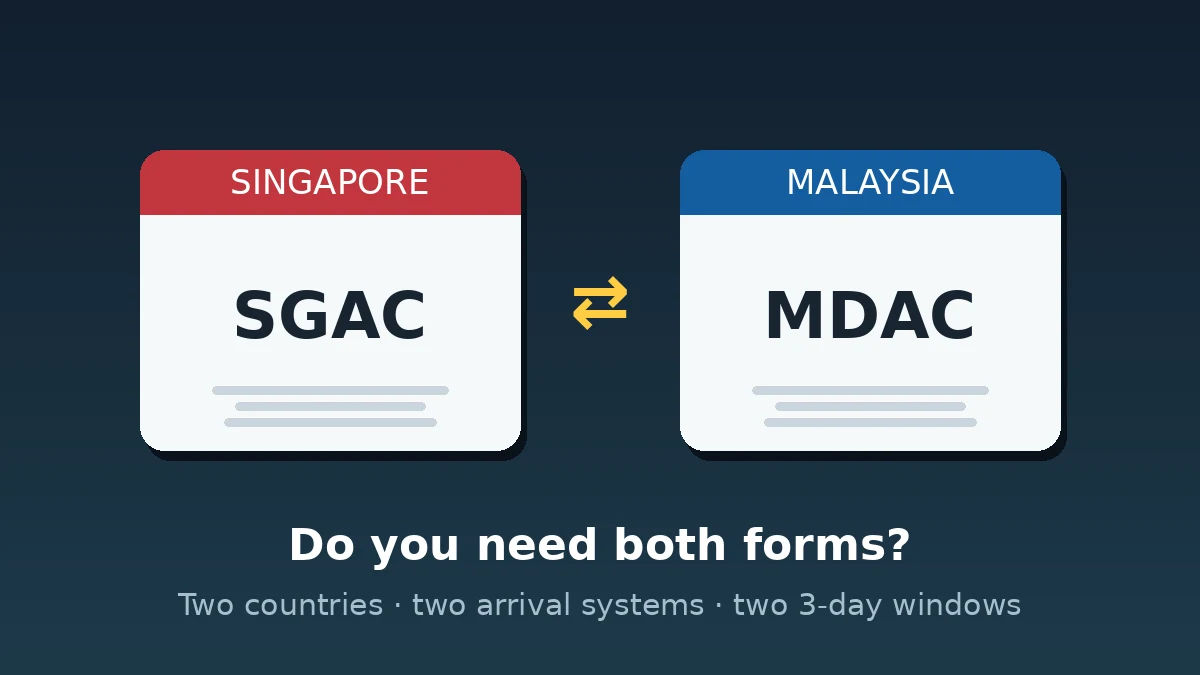
Crossing Between Singapore and Malaysia: Do You Need Both SGAC and MDAC?
SGAC and MDAC are separate systems from two governments, and neither replaces the other: which form each direction needs, exemptions, and the two 3-day windows.