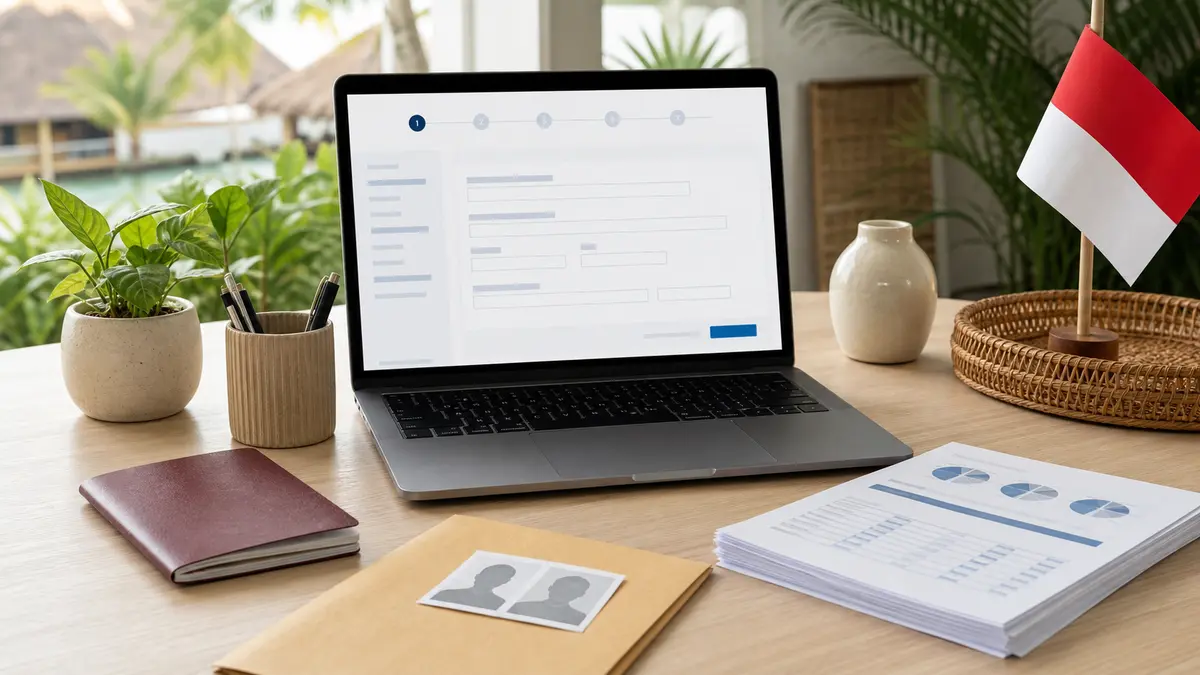
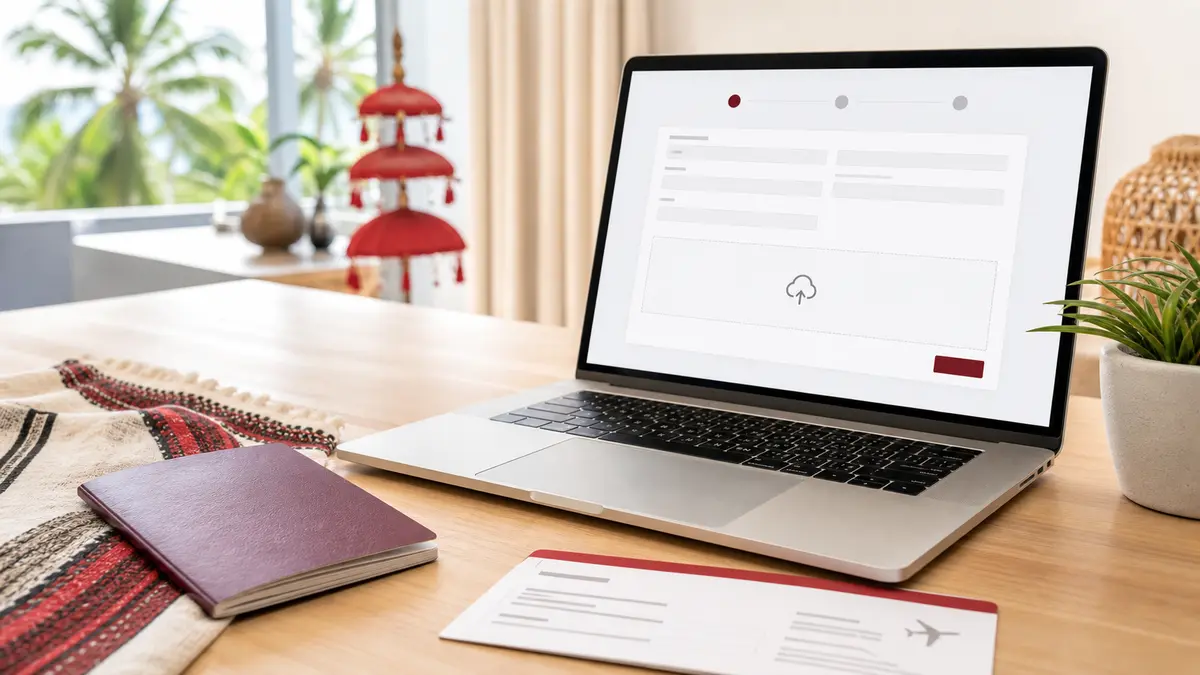
Indonesia's C1 is a single-entry Visitor Visa with an initial stay of up to 60 days. This guide follows the official eVisa application flow tested on July 19, 2026 and explains how to register an application account with an email address, prepare the supporting documents, complete the form, review the application, pay, and wait for processing.
TL;DR: To apply for C1, you must have an application account registered with an email address on the official Indonesia eVisa portal and sign in. Register only if you do not already have an account; otherwise, use the original account. For a standard national passport, prepare the passport biodata page, a recent color photograph, and a PDF bank statement covering the past three months with at least USD 2,000 or the equivalent. The current official policy page lists a fee of IDR 1,000,000, while the tested application page and an Immigration comparison article show IDR 1,500,000. Treat the invoice generated after submission as the amount to pay. The official processing time is five working days after payment, not a guarantee of approval.
Check Whether C1 Is the Right Visa
C1 is not simply a longer version of B1. C1 requires an application account registered with an email address on the official portal; applicants with an existing account must use that account rather than register again. C1 initially allows up to 60 days. B1 is available only to eligible Visa on Arrival passport holders; its public application flow does not require registering an application account with an email address and initially allows up to 30 days. Use the B1 e-VOA application guide if your passport and trip qualify for B1.
Choose the visa according to the passport, trip purpose, required stay, and options currently shown by Indonesian Immigration. Do not choose C1 only because it offers a longer initial stay.
Prepare the Account and Documents
For the standard national-passport flow tested, prepare:
- an application account registered with an email address on evisa.imigrasi.go.id;
- the biodata page of a national passport with at least six months of validity remaining;
- a recent color passport photograph taken within the past year;
- a PDF bank statement for the past three months, in the applicant's or sponsor's name, showing at least USD 2,000 or the equivalent;
- an active email address and phone number;
- the accommodation type, full address, and postal code in Indonesia; and
- a foreign payment card or another payment method currently offered by the portal.
A standard national-passport applicant generally does not need a sponsor. This exemption does not apply to stateless applicants, holders of travel documents other than national passports, and certain nationalities; these applicants need a sponsor. A non-national travel document must have at least 12 months of validity remaining. Stateless applicants and holders of non-national travel documents must also provide a re-entry permit for the country where they apply and a return or onward ticket, except transport crew. Follow the requirements for the applicant's nationality and travel document rather than applying the standard list to every case.
Complete the C1 Application
1. Register or recover the application account
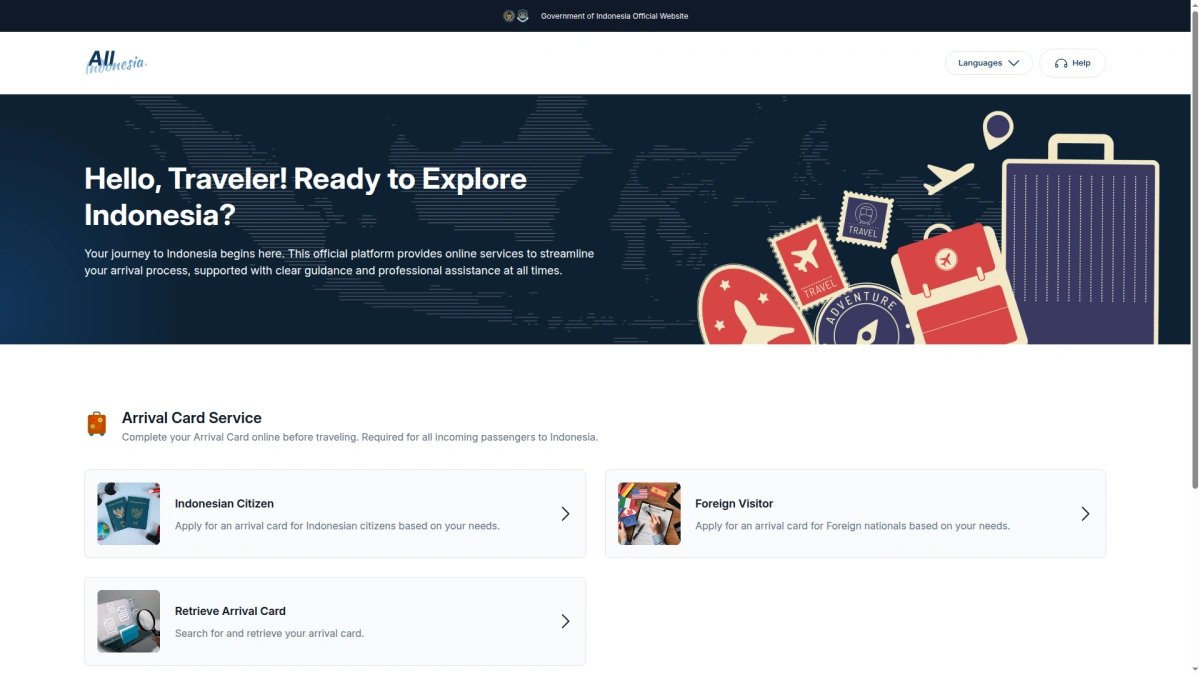
Open the official eVisa homepage and select Apply. To apply for C1, register an application account with an email address. If the passport is already linked to an account, sign in with that account instead of registering again.
If you forget that you previously registered an account and try to register again, entering the same passport number may produce the misleading message Please fill your passport number, even though the field contains the number. The page does not explain that the passport is already linked to an account, so the real cause is difficult to identify from the error. Do not repeatedly clear the field or create another account for the same passport. Return to the official eVisa homepage and select Sign In. Sign in with the original email address; if you forgot the password, recover it through that email address. If you do not know which email address was used, contact official support about the existing passport-account link.
2. Select C1 from the account-bound flow
After signing in, use Apply from the homepage. A personal application account is registered with one applicant's email address and passport details. In the tested account, the country field showed only the country of that registered passport and could not be changed.
Select the travel activity that matches the trip, then choose C1 - Tourist Single Entry. Read the displayed stay, documents, and fee before continuing. Do not use a personal application account to submit a C1 application for another person.
3. Upload the passport and photograph
Upload the national passport biodata page and a recent color passport photograph in the formats accepted by the portal. Read any Important Messages shown by the page. A conditional message about a guarantor account does not mean every standard national-passport applicant needs a sponsor.
Wait for the portal to read the passport before moving on. The extracted data still requires manual review.
4. Review personal, passport, payment, and address details
Confirm that the visa type is C1 and the initial stay is 60 days. Review the payment method instead of relying on a preselected option; the tested page offered foreign credit or debit cards and Indonesian local payment methods.
Compare the form with the passport and contact details. Check the full name, sex, place and date of birth, phone number, document type, passport number, nationality, passport expiry date, and place of issue.
Select the accommodation type and enter the complete Indonesian address and postal code. Check the province, city, district, and village information generated by the portal. If punctuation or a special character is rejected, correct the address before continuing.
5. Upload the bank statement and any displayed documents
In the tested standard national-passport application, the visible required main document was a PDF labeled Personal Bank Statement With Minimum Amount USD $2000 or Equivalent. The statement should cover the past three months and clearly show the account holder, statement period, and balance.
The page contained an internal Return Ticket item, but it was hidden in the tested standard national-passport flow and was not a visible required upload. This does not override the official requirement for stateless applicants and holders of non-national travel documents to provide a re-entry permit and a return or onward ticket, except transport crew. Other applicants should follow the requirements displayed for their nationality and travel document.
Confirm that each visible file has been accepted, then select Next manually.
6. Complete Review & Submit carefully
Review the visa type, personal information, passport information, Indonesian address, and attachments from the top of the page. In the tested flow, visible Check? boxes covered the passport page, portrait, email, name, sex, date of birth, passport number, nationality, passport issue and expiry dates, and bank statement. Select each box only after checking that item.
Read the Terms of Condition and manually confirm the declarations about accurate information and providing additional documents when requested. Select Save only after the review is complete. The July 19 test reached this page but did not select Save, so the page after saving and its final payment sequence were not directly tested.
Confirm the Invoice, Pay, and Wait for the Result
Official sources currently conflict on the C1 fee. The current C1 policy page lists IDR 1,000,000. The official B1/C1 comparison and the application page tested on July 19, 2026 show IDR 1,500,000. Do not decide the payable amount from an article or selection screen alone. Check the invoice generated for the submitted application before paying.
Save the application or billing number and payment receipt. The official C1 policy page states a processing time of five working days after payment is received. This is a processing estimate, not a guarantee that the visa will be approved or issued by a particular travel date.
If the visa is issued, compare its visa number, name, passport number, validity period, and permitted stay with the passport before traveling. The visa is valid for use within 90 days after issue, which is an entry window rather than permission to remain for 90 days.
What C1 Allows and Does Not Allow
C1 is valid for one entry with an initial stay of up to 60 days. It can be extended several times for a total stay of up to 180 days. It does not permit selling goods or services, receiving wages or similar compensation for work or business in Indonesia, or appearing as a speaker at an event.
References