Disclaimer: The information in this article is compiled by evisaflow.com from official publications and open internet sources for informational purposes only, and does not constitute formal travel advice. Travel information (including but not limited to visa regulations, entry policies, fees, and attraction schedules) is subject to change without notice. Please verify all details independently with the relevant official authorities before traveling. evisaflow.com assumes no liability for travel disruptions or losses resulting from reliance on this content.
Guide
Visa Application
Travel Tips
5 min read
How to Verify Your Vietnam E-Visa: Official Status Check Guide
Check a Vietnam eVisa against the official application record and obtain the government-issued copy before you travel.
Travelers sometimes receive a Vietnam eVisa file from an agency, an email thread, or a download folder and need to confirm whether it matches the official government record. A document that looks official is not enough by itself.
The practical check is simple: use the eVisa application number or registration code, application email, and date of birth on Vietnam's official eVisa search page before you travel. If the search does not return the expected record, first check those inputs again. A missing result does not, by itself, prove forgery, but you should not rely on the file alone until the discrepancy is resolved.
Here is how to check a Vietnam eVisa against the official government system before you travel.
TL;DR: Go to evisa.gov.vn/e-visa/search and enter the eVisa application number or registration code, application email, date of birth, and captcha exactly as requested. Read the status shown by the official system. If the application is approved, obtain the eVisa through the official portal and compare it with the file you received. If no record appears, recheck all inputs and ask the agency for the exact submitted details; do not treat the file alone as verified. The official instructions state a government fee of USD 25 for a single-entry eVisa or USD 50 for a multiple-entry eVisa and a processing time of 3 working days.
How to Verify Your E-Visa Online
Do not rely on the file alone. Check whether the application is recorded in the official system of the Vietnam Immigration Department and use the eVisa obtained from that system when the application is approved.
Follow these exact steps:
Step 1: Open the Official Government Portal
The Vietnam Immigration Department's current eVisa system operates at evisa.gov.vn. For this check, use:
- Official portal: https://evisa.gov.vn
- Status search: https://evisa.gov.vn/e-visa/search
Check the domain in the address bar before entering application information. A commercial service is not the government status database.
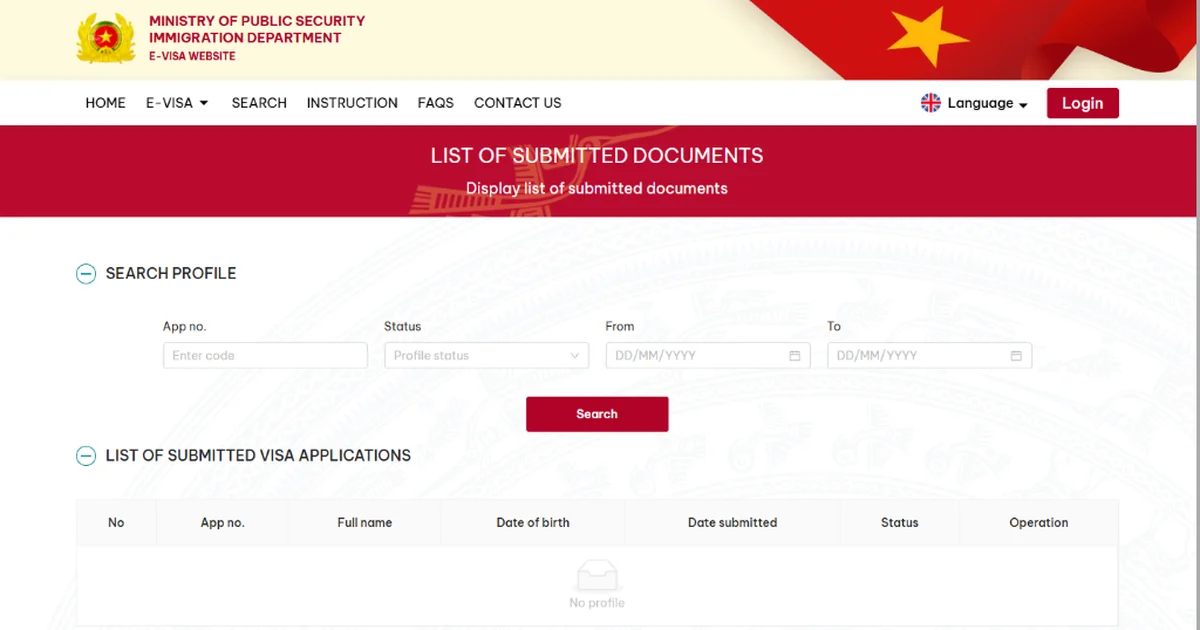
Step 2: Input Your Verification Details
The current search asks for these details:
- eVisa application number or registration code: Use the complete number supplied by the official application process.
- Email: Use the same email address submitted with the application.
- Date of birth: Enter the applicant's date of birth exactly as requested by the form.
Enter the captcha and select "Search". If an agency filed the application, ask it for the exact application number, submitted email address, and date of birth used in the filing.
Step 3: Check the Status Result
- If the record is approved or accepted: Use the official "Get e-Visa" or download action. Compare the official result and document with the file you received, including the applicant's name, application or registration number, passport number, visa number, and validity dates.
- If the record is processing, unpaid, or denied: The application record is not proof of a granted eVisa. Follow the status and any instructions shown by the official system.
- If the search returns no record: Re-enter the application number, email, date of birth, and captcha. A mismatch in any search field can prevent the expected record from appearing. If an agency filed the application, ask it to confirm the submitted details. If the discrepancy remains, contact the agency and the Immigration Department's service support before relying on the document.
What Does Not Verify an E-Visa by Itself
The official pages cited below direct applicants to check the application record and obtain the eVisa through the government system. They do not define a PDF layout, emblem, QR destination, total amount paid to an agent, or delivery speed as a separate authenticity test.
- PDF design: The cited official verification workflow does not use a visual layout comparison in place of the application search.
- QR code: The cited official pages do not define scanning a QR code as a substitute for checking the application record.
- Amount paid: The official government fee is USD 25 for single entry or USD 50 for multiple entry. The total paid to a private agent does not show the official application status.
- Delivery speed: The official instruction says an application is processed in 3 working days. A delivery time does not show whether the official record is approved.
When a Form-Filling Tool Is Relevant
Start by opening the official Vietnam eVisa portal and checking the domain yourself. After you are on the correct page, eVisaFlow Southeast Asia can autofill saved passport, trip, accommodation, and contact information on the official Vietnam eVisa website.
- Use official links first: Open
evisa.gov.vnor the status search page directly, then verify the address bar before entering passport details. - Passport OCR and autofill: Use saved passport details to reduce manual re-entry of name order, passport number, and dates on the official form, then review every official field before submission.
References
eVisaFlow tool
Filling official eVisa and arrival forms?
eVisaFlow helps you reuse passport details and reduce repetitive typing when you complete supported Southeast Asia eVisa and arrival forms.
Related Reading
Guide
How to Verify Official Southeast Asia eVisa and Arrival Card Websites
Use this checklist to verify official Southeast Asian eVisa, arrival card, and immigration portals before entering passport data or paying.
Guide
Vietnam eVisa Official Website: Application Steps, Fees, and Common Mistakes
Use Vietnam's official eVisa website, understand the government fees and processing time, and prepare the current application details.
Guide
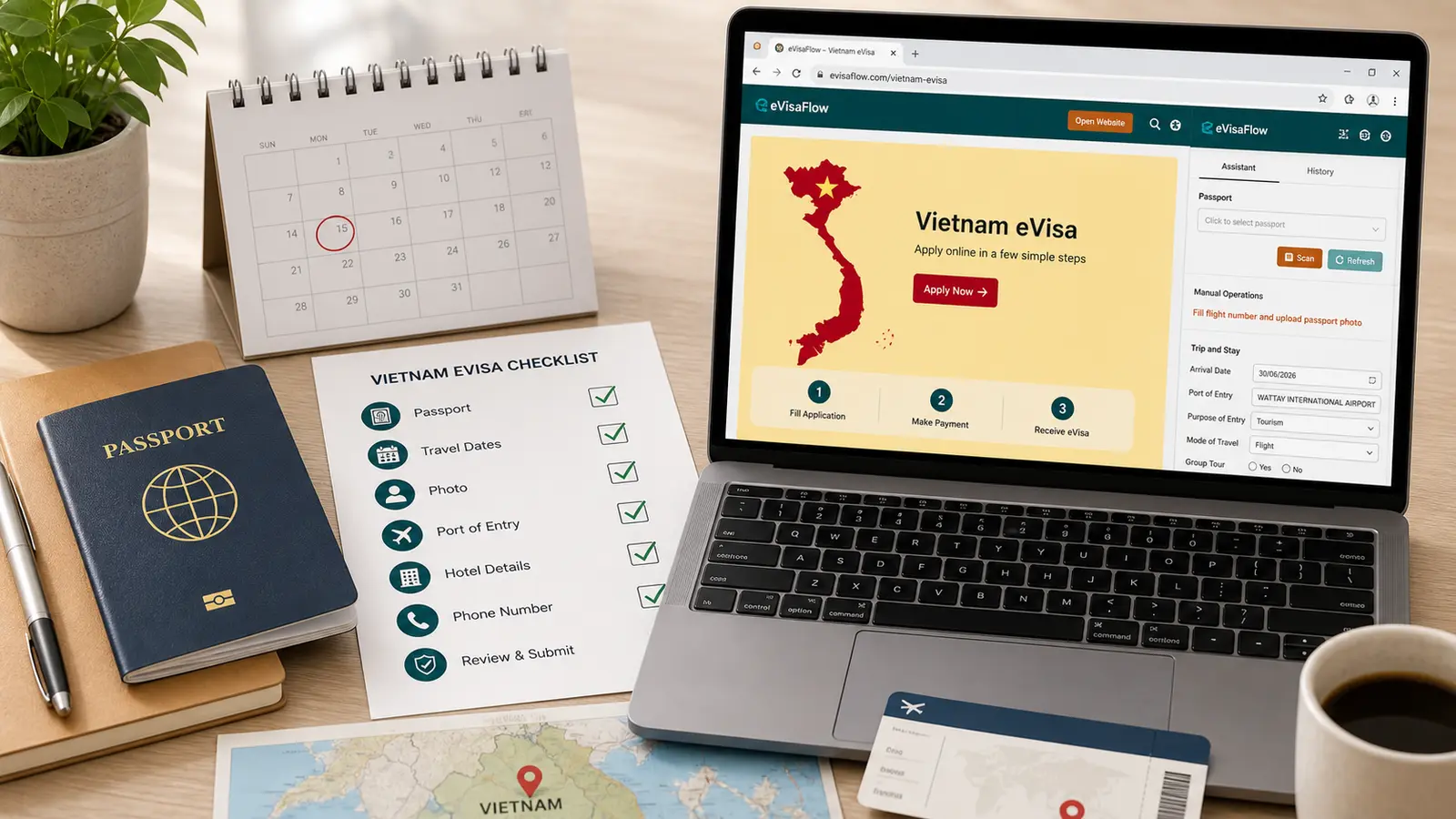
Vietnam eVisa Checklist Before You Apply
Check your passport, photo, travel dates, entry ports, official portal, and payment details before submitting a Vietnam eVisa application.
Guide
Lost Passport in Vietnam: Replacement Passport and Exit Visa Guide
After losing a passport in Vietnam, get a police report, replace the travel document, and arrange the replacement or exit visa required before departure.