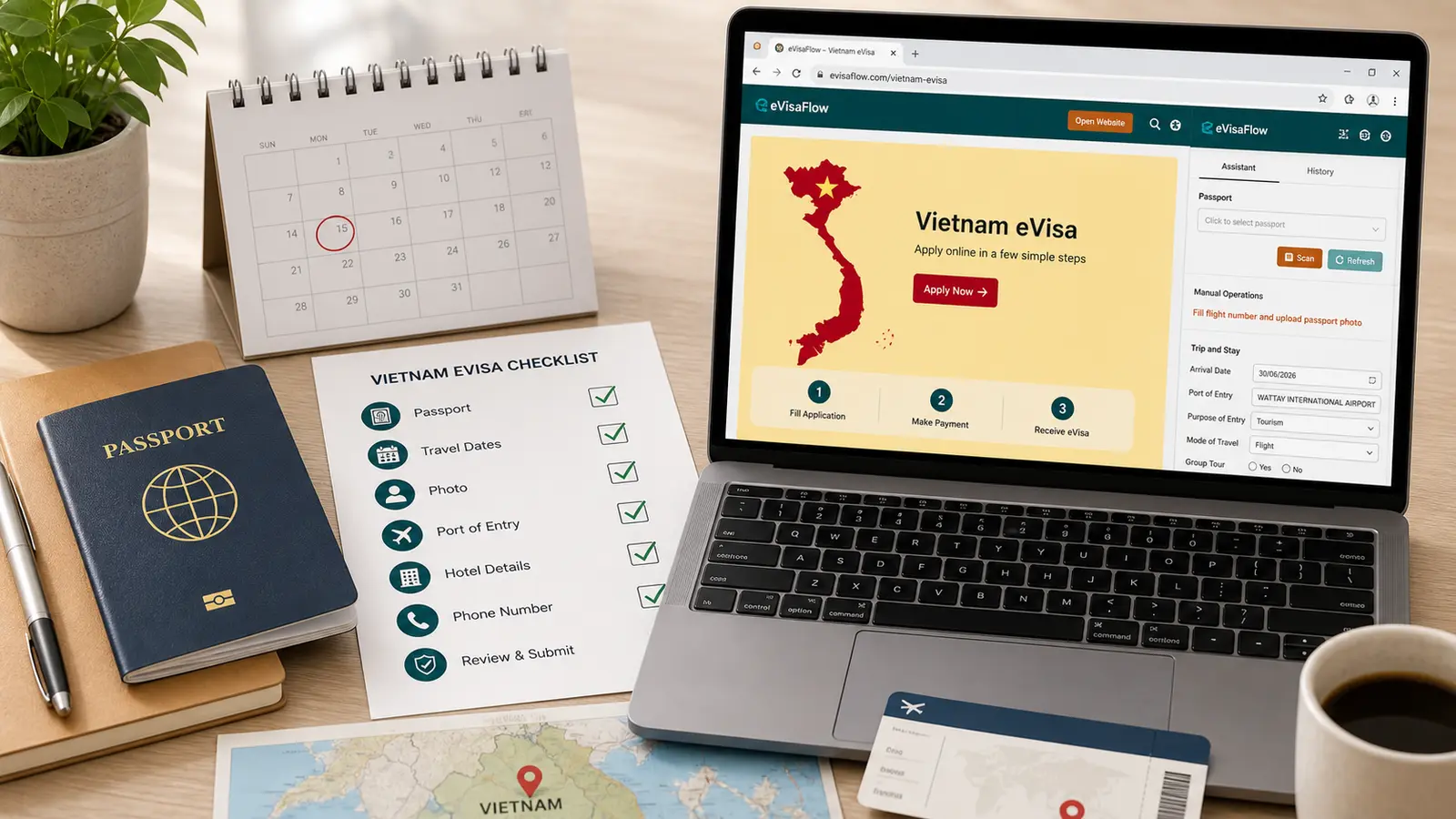
Check your passport, photo, travel dates, entry ports, official portal, and payment details before submitting a Vietnam eVisa application.
Before paying for a Vietnam eVisa, check the application against your passport and itinerary, confirm that the images meet the current specifications, use the government portal, and distinguish the government fee from any commercial service charge.
TL;DR: Before applying for a Vietnam eVisa, confirm whether you need a visa, use the official portal at evisa.gov.vn, and prepare your passport, a compliant portrait photo and passport-page image, requested validity dates, intended entry and exit gates, and a Vietnam stay address. The official fee is USD 25 for a single-entry eVisa and USD 50 for a multiple-entry eVisa. Review every detail before payment: the official form requires accurate information and states that the application fee is not refunded if the application is denied.
Direct Answer: Vietnam eVisa pre-application checklist
Check before applying
What to prepare
Why it matters
Visa need
Passport nationality, trip length, destination
Some travelers may use visa exemption instead of eVisa
Use the Immigration Department's portal rather than treating a commercial service as the government site
Passport details
Passport bio page, ICAO/MRZ name order, passport number, issue date, expiry date
The official application requires true and accurate passport information
Photo and passport image
Compliant portrait photo and one clear passport data-page image
The official form applies exact image specifications
Travel plan
Requested validity dates, intended entry and exit gates, Vietnam address
The form asks for these details, and eVisas may only be used at approved border gates
Payment and follow-up
A payment method accepted by the portal, application number, email, date of birth
The current status search uses the application number, email, and date of birth
1. Check whether you need an eVisa
Do not start with the form. Start with your passport and route.
Vietnam has visa exemption rules for some nationalities and special cases such as Phu Quoc. If your trip qualifies for visa-free entry, an eVisa may be unnecessary. If your stay, route, or passport nationality does not fit the exemption, prepare an eVisa application.
Do not identify the government portal by page design or wording alone. Before entering passport information, check the address bar for the exact official domain. If you choose a commercial service instead, distinguish its service charge from the government eVisa fee.
3. Prepare passport information before opening the form
Have your physical passport in front of you. Do not copy passport details from an old email, a flight booking profile, or a previous visa.
Check these items first:
Full name order, including middle names, as shown in the passport machine-readable zone.
Passport number, issue date, and expiry date.
Date of birth, sex, and nationality.
A clear image of the passport bio page.
An expiry date that covers your planned trip and meets the current entry rules.
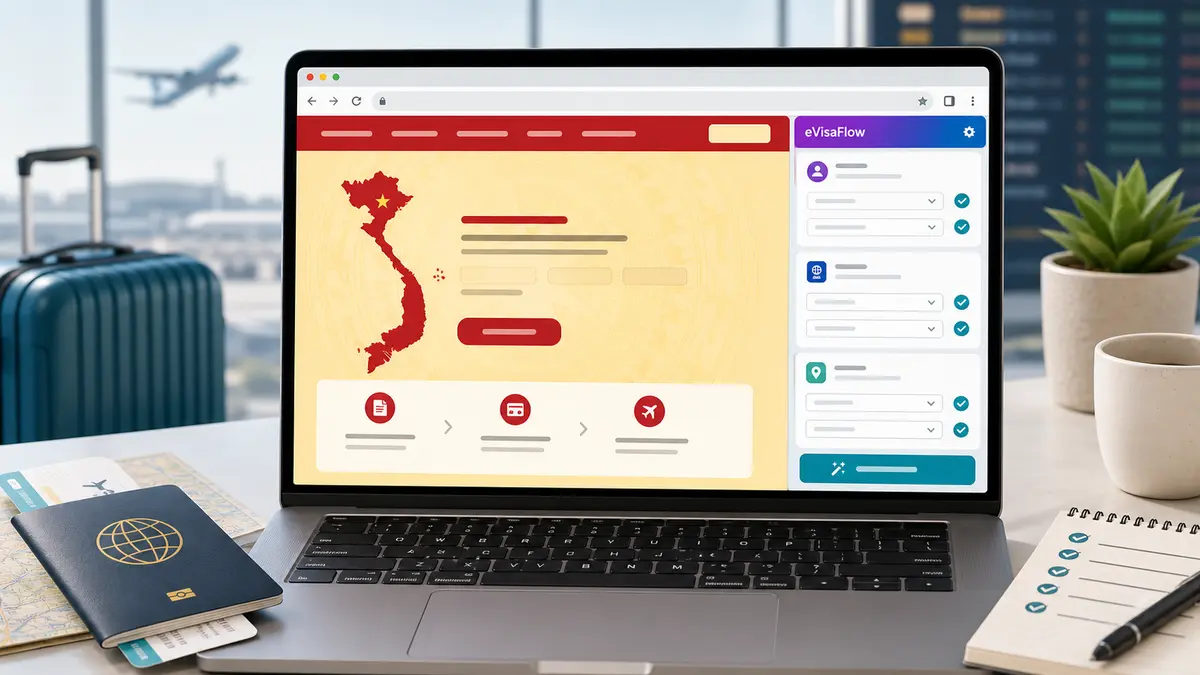
If you often fill Vietnam eVisa forms or need to prepare details for multiple travelers, eVisaFlow Southeast Asia can help reuse saved passport, trip, accommodation, and contact information on the official Vietnam eVisa website. Treat it as a form-filling aid: review every official field against the passport before payment.
4. Prepare the portrait photo and passport image
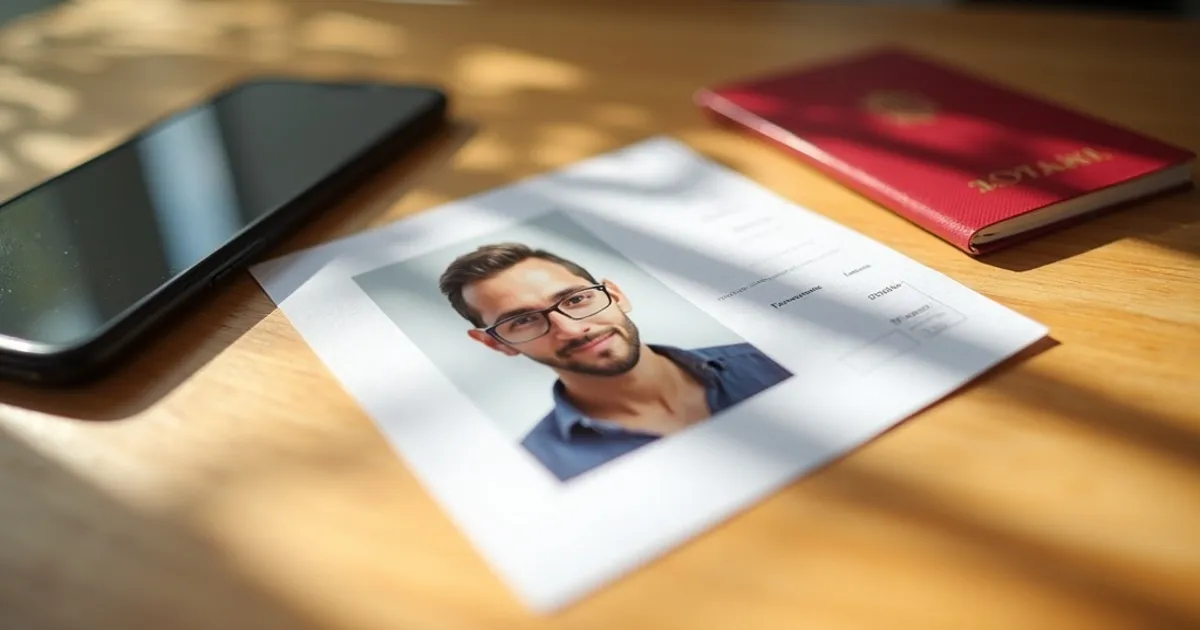
The current Vietnam eVisa application requires both a portrait photo and one passport data-page image.
Before uploading, check:
The portrait is newly taken, front-facing, and 4 × 6 cm.
The person wears formal clothes, with no hat and no glasses.
The background is white.
The portrait is a JPG or JPEG file smaller than 2 MB.
The passport data-page image is clear and has no missing corners.
5. Decide your entry and exit ports before submission
Do not guess the border gate. The current form asks for your intended border gates of entry and exit. Official instructions state that an eVisa can only be used for entry and exit through border gates on the government-approved list; they do not, by themselves, prove that the issued eVisa is restricted to only the intended gates entered in the application.
Before you apply, confirm:
Your first arrival point in Vietnam.
Whether you enter by air, land, or sea.
Your intended exit point.
Whether both intended gates appear in the current official system and on the approved list.
Your requested validity dates and intended entry date matter because the application asks when the eVisa should be valid and when you intend to enter. Do not use placeholder dates if your itinerary is already fixed.
Prepare:
Requested eVisa validity start and end dates.
Intended entry date and intended length of stay.
Temporary address in Vietnam, such as hotel or stay address.
Contact information that you can access during travel.
Email address used for application follow-up.
The Ministry of Public Security's May 2026 announcement described Pre-Arrival Information (PAI) as an optional pilot for foreign air passengers at Tan Son Nhat International Airport, available within three days before entry and separate from visa processing. The announcement also said expansion was planned, so check the current official PAI instructions for your arrival airport. For the entry QR process, see Vietnam Pre-Arrival Declaration.
7. Review before payment
The last review matters more than speed. The official form requires the applicant's statements to be true and accurate and warns that the application fee is not refunded if the application is denied.
Before payment, compare the form against your passport:
Full name and passport number.
Date of birth and nationality.
Visa type: single-entry or multiple-entry.
Intended entry date and requested validity dates.
Intended entry and exit gates.
Email address and application contact details.
After approval, retrieve the eVisa from the official portal and verify the final document before travel. If you used an agency or received a suspicious PDF, read how to verify a Vietnam eVisa PDF.
Common mistakes to avoid
Starting on a third-party site because it looks official.
Choosing the wrong entry port because the flight route changed.
Uploading a portrait with glasses, a non-white background, or the wrong file specifications.
Mixing given name and surname order.
Paying before checking whether visa exemption applies.
Failing to save the application number, email, and date of birth needed for status lookup.
Disclaimer:
The information in this article is compiled by evisaflow.com from official publications and open internet sources for informational purposes only, and does not constitute formal travel advice. Travel information (including but not limited to visa regulations, entry policies, fees, and attraction schedules) is subject to change without notice. Please verify all details independently with the relevant official authorities before traveling. evisaflow.com assumes no liability for travel disruptions or losses resulting from reliance on this content.