Paying in Thailand: PromptPay, Cards, Transit Passes, and Cash Tips
How tourists pay in Thailand: PromptPay QR compatibility, cards, Rabbit Card for BTS, contactless cards for MRT, and practical cash tips.
Tourists in Thailand may need both digital payment options and local currency. Thai QR payment access for international visitors differs from PromptPay access for Thai account holders.
TL;DR: Registering for PromptPay requires an existing Thai bank account, but customers of participating banks or payment providers in linked jurisdictions may be able to scan compatible Thai QR codes through cross-border services. The Bank of Thailand's current page, with details as of May 2026, includes inbound links for several Asian jurisdictions, but supported apps and merchant QR codes differ. For transit, a Rabbit Card works on BTS, Yellow Line, and Pink Line services, while supported contactless credit cards work directly at MRT Blue and Purple Line gates. Carry enough Thai baht for merchants and transport options in your itinerary that do not accept your card or app.
Payment Options at a Glance
Method
Tourist Availability
Best Used For
Thai Baht Cash (THB)
Often needed
Street food, night markets, tuk-tuks, small shops, tipping
Credit / Debit Cards
Acceptance and card networks are merchant-specific
Merchants that display and accept your card network
PromptPay (QR)
Thai accounts or supported cross-border banking apps
Compatible local vendors, taxis, and markets
Rabbit Card
Optional prepaid card
Riding the Bangkok BTS Skytrain and buying at select partners
MRT Contactless
Available directly at Blue and Purple Line gates
Riding the Bangkok MRT with a supported contactless credit card
1. Some Purchases Still Require Cash
Card and app acceptance is merchant-specific, so keep Thai baht available for purchases where your card or banking app is not accepted.
Where cash may be needed: Some small restaurants, street-food stalls, market vendors, massage shops, taxis, tuk-tuks, and boats may not accept an international card or your banking app.
ATM Fees: Fees depend on the ATM operator and your card issuer. As one official example, Krungsri's schedule effective July 1, 2025 lists a 250 THB fee per withdrawal for foreign-issued Visa, Mastercard, UnionPay, and JCB cards. Check the amount shown by the ATM before confirming and also check your home bank's charges.
Tip: Balance withdrawal size against the displayed fee and your own bank's limits, or compare the terms of a currency-exchange service before exchanging physical cash.
2. Scanning QR Codes: The PromptPay System
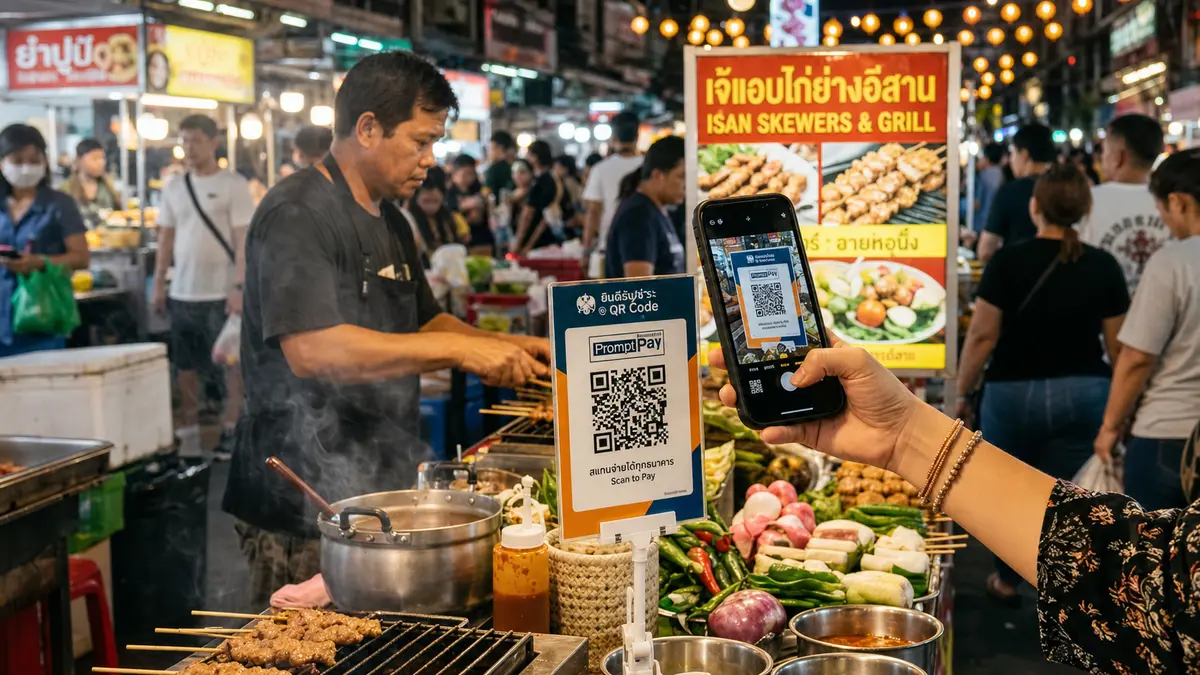
Thai QR Payment is a PromptPay service extension used for QR payments in Thailand.
The Tourist Barrier: The Bank of Thailand says PromptPay registration links an existing bank account to an identification number or phone number. An ordinary foreign banking or card app will not scan a Thai QR code unless it participates in a compatible cross-border service.
Cross-Border QR Option: If your home jurisdiction is part of Thailand's cross-border QR network, a participating banking or payment app may be able to scan compatible Thai merchant QR codes. The Bank of Thailand's page, with details as of May 2026, describes inbound links including:
Singapore: Participating apps using the PromptPay-NETS cross-border QR linkage.
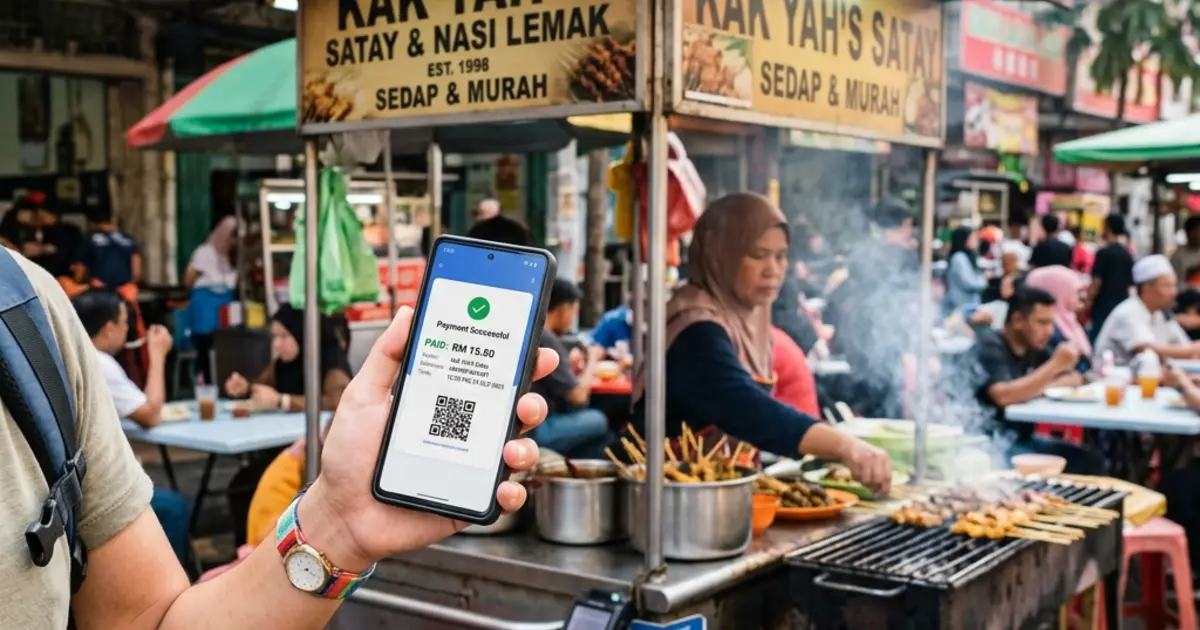
Malaysia: Participating banking apps using the PromptPay-DuitNow QR linkage.
Vietnam: Participating banking apps using the Thai QR/VietQR linkage.
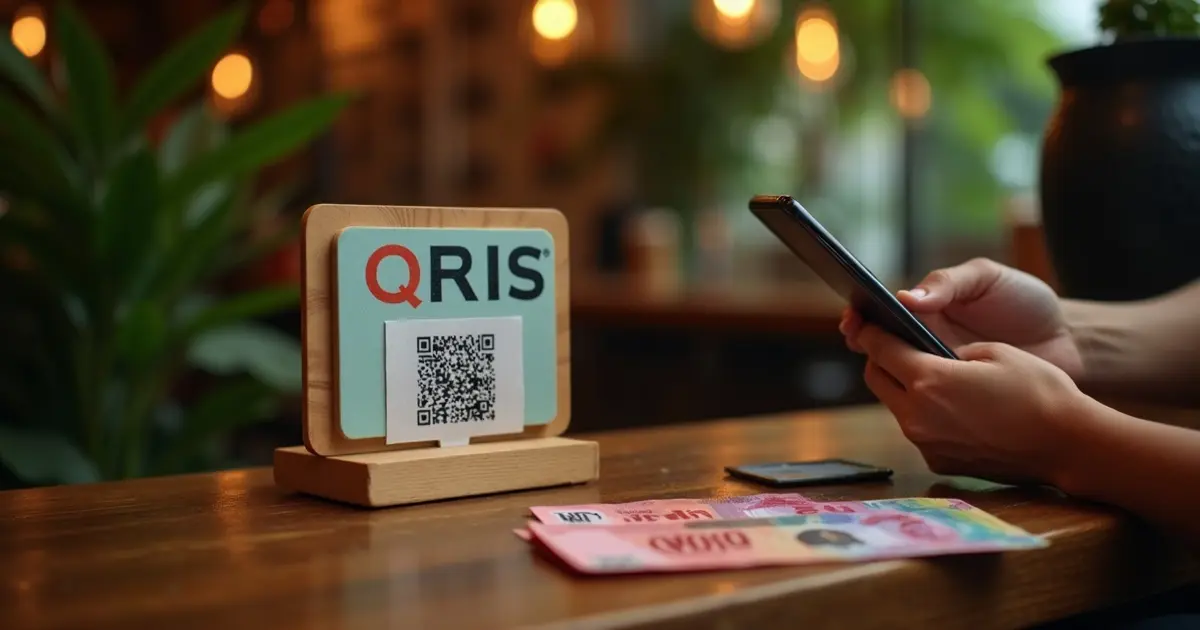
Indonesia: Participating apps using the Thailand-Indonesia Thai QR/QRIS linkage.
Cambodia: Participating apps using the interoperable Thai QR/KHQR linkage.
Hong Kong: Participating apps using the PromptPay-FPS QR linkage.
Laos: Participating mobile banking apps using the Thai PromptPay/Lao QR linkage.
South Korea: The page identifies Paybooc for inbound interoperable QR payments.
China: The page identifies UnionPay, Alipay, and WeChat Pay for inbound interoperable QR payments.
Check Both Ends: A jurisdiction-level link does not mean every bank, app, or merchant QR is supported. Check your provider's current Thailand instructions before relying on it, and keep an accepted card or cash as an alternative.
3. Bangkok Public Transit: BTS vs. MRT
Bangkok rail services do not share one payment system. For the systems discussed here, use the following official guidance:
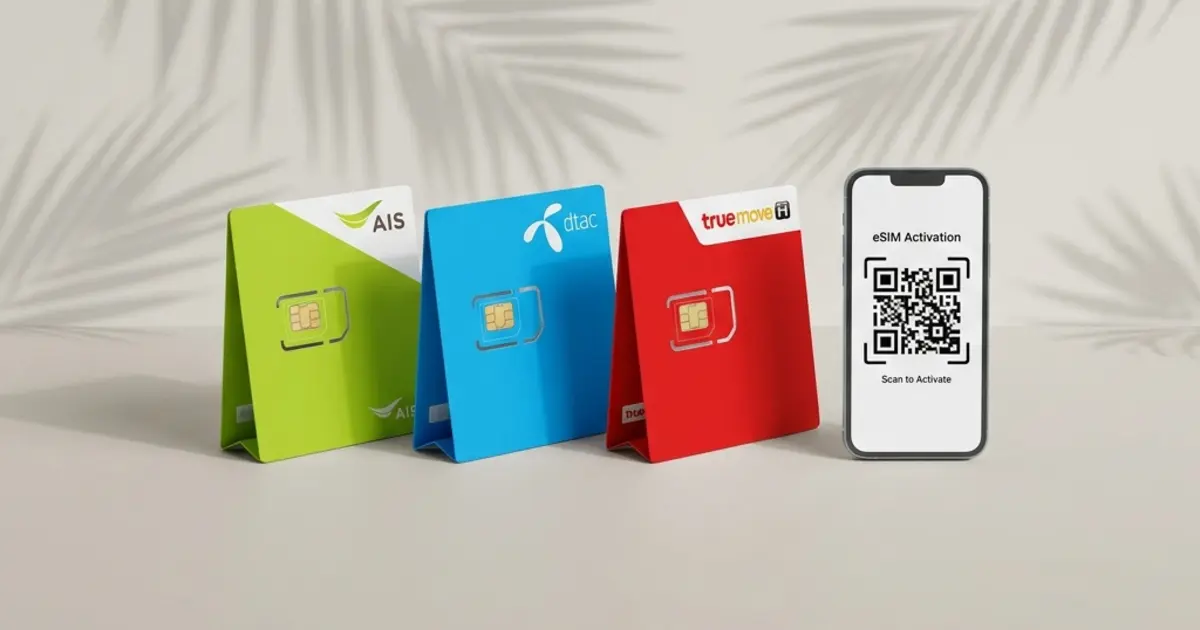
BTS Skytrain: BTS's official ticket-machine instructions list single-trip payment by coins or QR code; the page names LINE Pay, WeChat, Alipay, and mobile banking, but actual app compatibility must still be checked. It does not list tapping an international bank card at the gate. Another option is a Rabbit Card, a reloadable card issued at ticket offices.
Important: Rabbit states that foreign customers registering a Rabbit Card must present their original passport. Its current FAQ says a standard Rabbit Card costs 200 THB, comprising a 100 THB issuance fee and 100 THB initial stored value, and is issued at every BTS, Yellow Line, and Pink Line ticket office.
MRT Subway (Blue and Purple Lines): BEM states that supported contactless EMV credit cards can be used directly at gates on the MRT Blue and Purple Lines. Its current page lists Visa and Mastercard credit cards from Thai and international issuers, plus specified UnionPay cards. The Yellow and Pink Lines use Rabbit Card under Rabbit's current guidance, so do not apply the Blue/Purple Line rules to them.
4. Credit Card Tips & DCC Traps
At hotels, stores, restaurants, and convenience stores, card acceptance depends on the individual merchant. A merchant may set a minimum spend, accept only certain networks, or disclose a card fee.
Merchant-specific rules: Before paying, check any minimum spend, card-network restriction, or fee disclosed by the merchant and confirm the total shown on the terminal.
Dynamic Currency Conversion (DCC) Warning: When paying at a terminal, the screen may ask whether you want to be billed in your home currency (e.g., USD, EUR, AUD) or local currency (THB).
Rule: Compare the offered rates and fees. Paying in your home currency uses dynamic currency conversion set by the merchant's payment provider; choosing Thai Baht normally lets your own card issuer perform the conversion.
Disclaimer:
The information in this article is compiled by evisaflow.com from official publications and open internet sources for informational purposes only, and does not constitute formal travel advice. Travel information (including but not limited to visa regulations, entry policies, fees, and attraction schedules) is subject to change without notice. Please verify all details independently with the relevant official authorities before traveling. evisaflow.com assumes no liability for travel disruptions or losses resulting from reliance on this content.