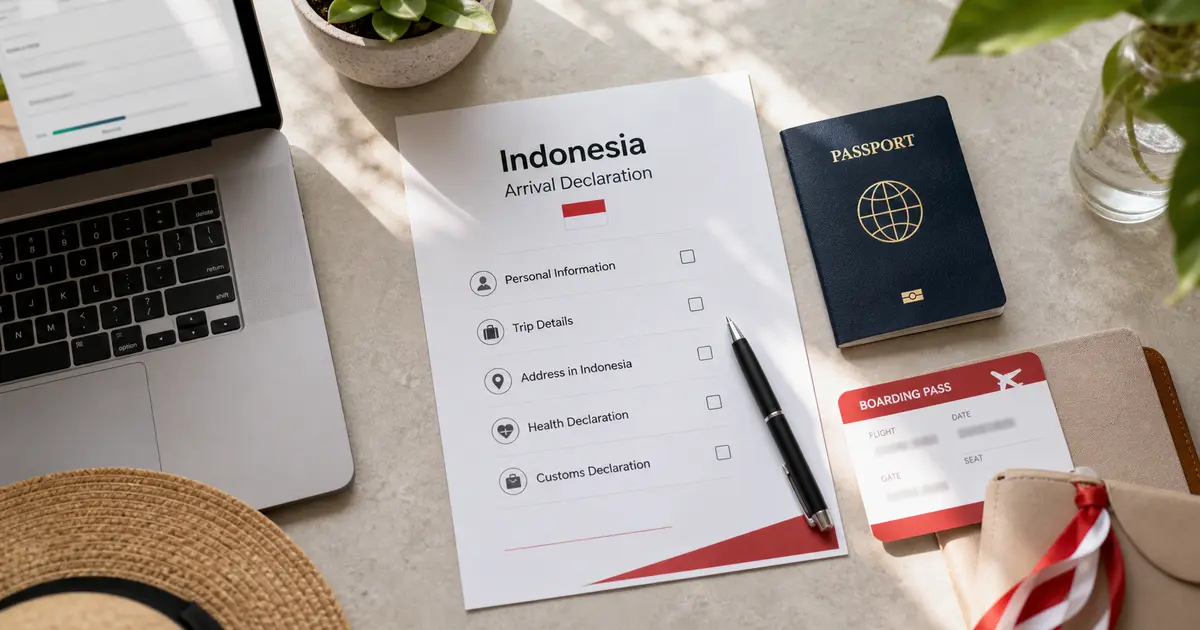
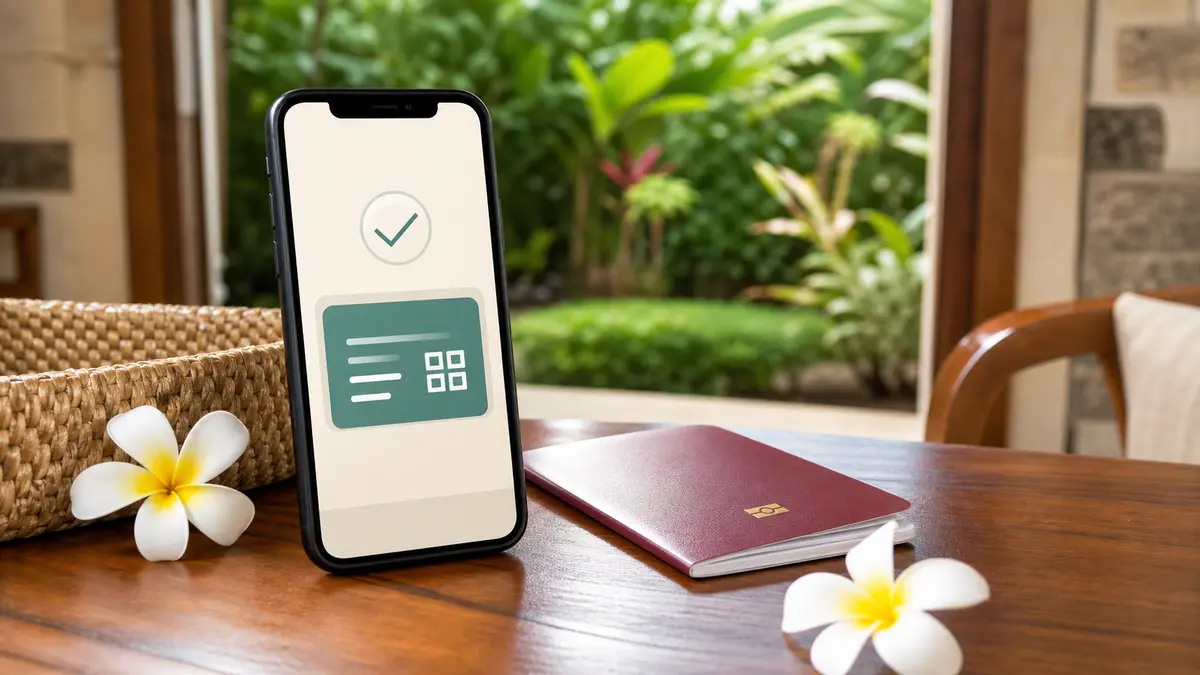
All Indonesia is not a visa and not the Bali Tourist Levy. It is Indonesia's official arrival declaration for international travelers. Use it to submit arrival, customs, health, and quarantine information before you reach the border, then keep the QR code ready for arrival checks.
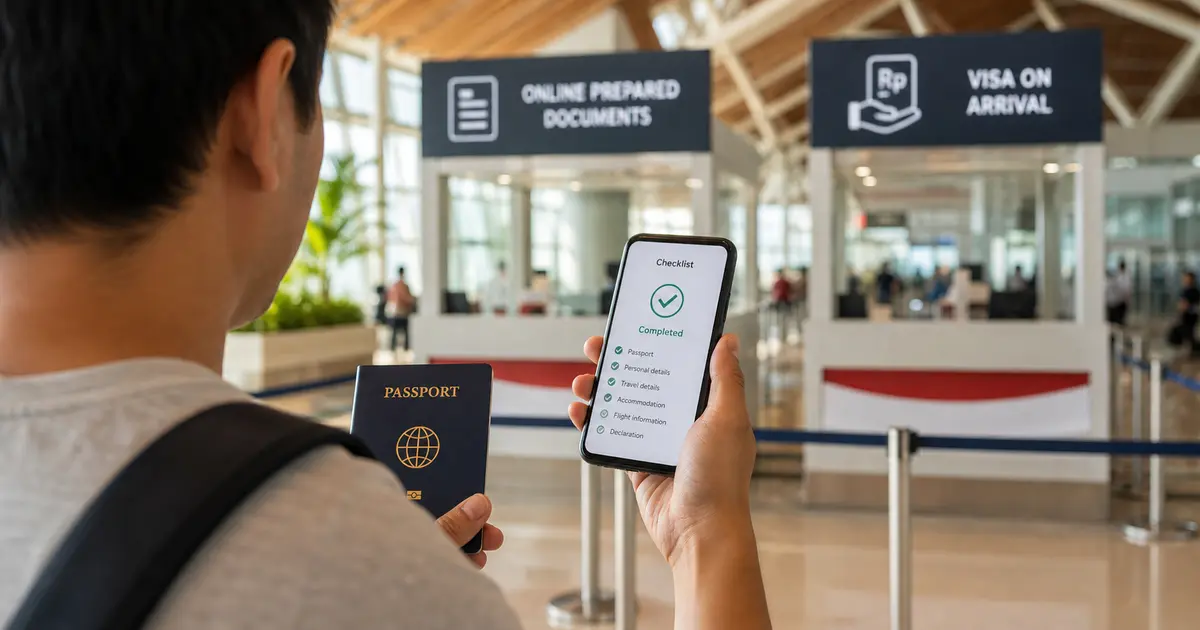
TL;DR: Use allindonesia.imigrasi.go.id. The declaration is free. Fill it within the allowed pre-arrival window, normally up to 3 days before arrival, and save the QR code. You still need the right visa or visa-free status separately, and immigration officers make the final entry decision at the border.
What All Indonesia Is For
| Item | What it does | Official site |
|---|---|---|
| All Indonesia arrival declaration | Arrival, customs, health, and quarantine declaration for entering Indonesia | allindonesia.imigrasi.go.id |
| Indonesia e-VOA / eVisa | Visa application and payment for eligible travelers | evisa.imigrasi.go.id |
| Bali Tourist Levy | Bali provincial tourism levy for foreign tourists visiting Bali | lovebali.baliprov.go.id |
If your trip includes Bali, you may need all three: a visa or visa-free eligibility, the All Indonesia declaration, and the Bali Tourist Levy. They are separate steps.
When to Fill It
Fill the declaration before you arrive in Indonesia, ideally after your flight, accommodation, and passport details are final. The official guidance describes a pre-arrival window of up to 3 days before arrival.
Do not wait until the immigration hall if you can avoid it. Airport Wi-Fi, mobile roaming, and queues can make last-minute form work stressful.
What to Prepare
Before opening the form, keep these details nearby:
- passport biodata page,
- flight number and arrival date,
- address or hotel in Indonesia,
- contact details you can access while traveling,
- customs declaration details for goods you are bringing,
- health or quarantine questions shown by the official form.
Use the passport you will actually present at check-in and immigration. If you hold more than one passport, do not mix passport numbers, nationalities, or dates between documents.
Common Mistakes
Filling the wrong official website
allindonesia.imigrasi.go.id is for the arrival declaration. evisa.imigrasi.go.id is for eVisa and e-VOA applications. If a page asks you to pay a visa fee, you are not on the All Indonesia declaration step.
Treating the QR code as a visa
The QR code proves that you submitted the declaration. It does not replace a visa, visa-free eligibility, passport validity, airline checks, or immigration inspection.
Entering passport details from memory
Copy passport number, name spelling, nationality, date of birth, and expiry date from the passport page. Do not rely on airline profiles, old visa files, or travel-agent notes.
Forgetting the hotel or address
Use the address for your first stay in Indonesia. If you are moving between cities, enter the first hotel, villa, apartment, or host address that matches your arrival plan.
Not saving the QR code
After submission, save a screenshot or downloaded copy of the QR code. Keep it somewhere you can open offline, not only inside a browser tab.
If You Need to Change Something
If you notice a mistake before arrival, go back to the official All Indonesia site or app and check whether the submission can be retrieved or updated. Do not create repeated submissions unless the official flow clearly tells you to do so.
If you only notice the problem at the airport, ask airline, airport, or immigration staff which official correction path to use. Do not rely on paid third-party counters or unofficial links.
Where eVisaFlow Helps
If you fill Indonesia forms for several travelers, the repeated fields are where mistakes happen: passport number, name order, hotel address, flight details, and contact information. eVisaFlow Southeast Asia can autofill saved passport, trip, accommodation, and contact information on the Indonesia eVisa and All Indonesia official websites.