Laos eVisa Status and Approval Letter: What to Download, Print, and Check
Use the official Lao eVisa status page, check your approval letter, print it, and verify your entry port before travel.
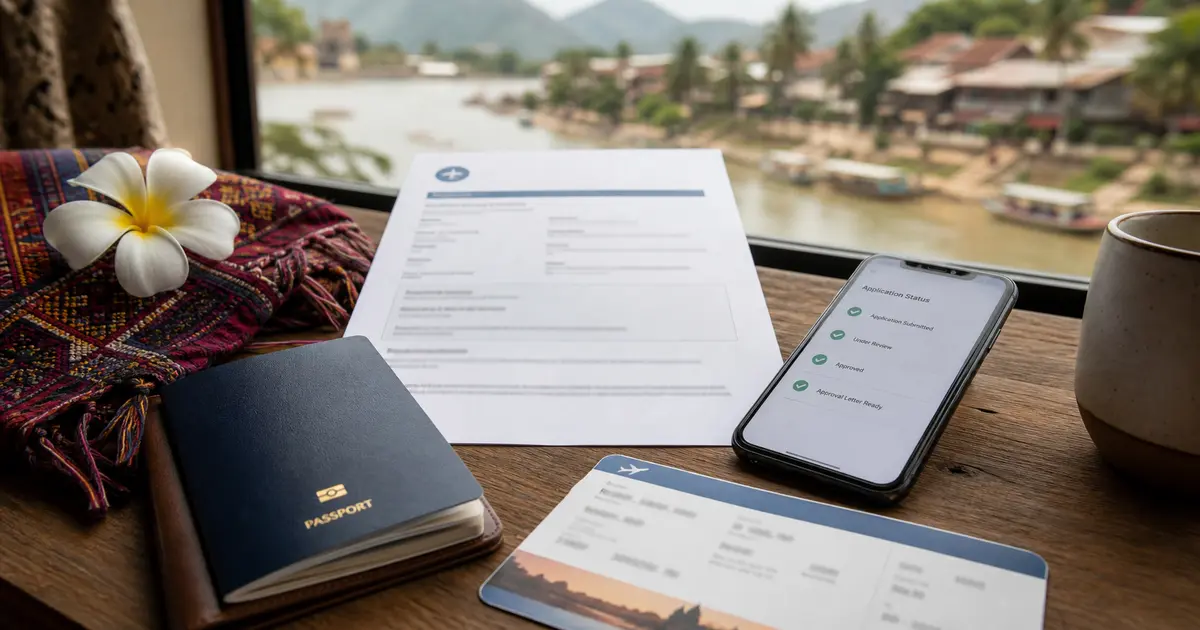
After submitting a Laos eVisa application, use the official status enquiry page to check the result with your application ID and passport number. If the eVisa is approved, the official FAQ says an approval letter is sent to the registered email address, and the traveler must print it and show it to the immigration officer on arrival.
TL;DR: Check status only at laoevisa.gov.la/checkstatus. Keep your application ID, passport number, and registered email available. When approved, download the eVisa approval letter, print it, and check that your passport details, validity, and intended entry port match your trip before you fly or cross the border.
Application ID and passport number. Keep the registered email accessible too.
What if my payment was charged but the status says Unpaid?
Do not pay again. The official FAQ says to contact Lao eVisa support immediately when your balance was deducted but the status still shows Unpaid.
How long does processing take?
The official information page says it is usually 3 working days after application and fee submission, if the information meets the criteria and is accepted by Lao Government Authorities.
What should I download?
The eVisa approval letter sent to the registered email address after approval.
Do I need to print it?
Yes. The official FAQ says the approval letter must be printed and presented to the immigration officer on arrival.
Can I use it at any border?
No. Use only the eVisa entry ports listed by the official site for your route.
How to Check Your Laos eVisa Status
Go to the official Lao eVisa Status Enquiry page. Enter the application ID from your submission and the passport number used in the application.
If the page does not show the result you expect, check these basics before assuming the application failed:
the passport number is typed exactly as submitted;
the application ID is copied without missing characters;
you are using the same passport used in the application;
your browser did not auto-fill an old passport number;
the application is not still inside the normal processing window.
Avoid checking status through third-party websites. They may not have direct access to the official case record, and they can confuse travelers with service-order statuses that are not the Lao eVisa status.
Payment Status After Checkout
After payment, use the official status enquiry page with your application ID and passport number. If the status is Paid and your account balance was deducted, the payment is recorded as successful.
If your card or wallet balance was deducted but the application still shows Unpaid, do not submit another payment. The official FAQ says to contact Lao eVisa support immediately, because a second payment can create another problem rather than fixing the status display.
What the Approval Letter Is For
The approval letter is the document you carry for travel after the eVisa is approved. The official FAQ says the eVisa approval letter is sent to the registered email address, and the traveler must print it and show it to the immigration officer on arrival.
Before printing, check that the letter matches your passport and trip:
name spelling;
passport number;
nationality or passport country;
validity period;
permitted entry or use conditions shown on the letter;
intended arrival date and entry route.
If your passport details do not match, do not rely on the approval letter at boarding or at the border. Check the official site and contact the official support channel shown by the Lao eVisa portal if needed.
Print and Backup Checklist
Carry more than one copy of the approval letter because airport, airline, and border situations can vary.
Print one clean paper copy for immigration.
Save a PDF copy offline on your phone.
Keep the approval email accessible.
Keep the passport used in the application with you.
Keep hotel or stay details and onward travel information available in case an officer asks.
Do not treat a phone screenshot as a replacement for the printed letter. The official FAQ specifically says to print the approval letter and present it to the immigration officer on arrival.
Entry Port Checks Before Travel
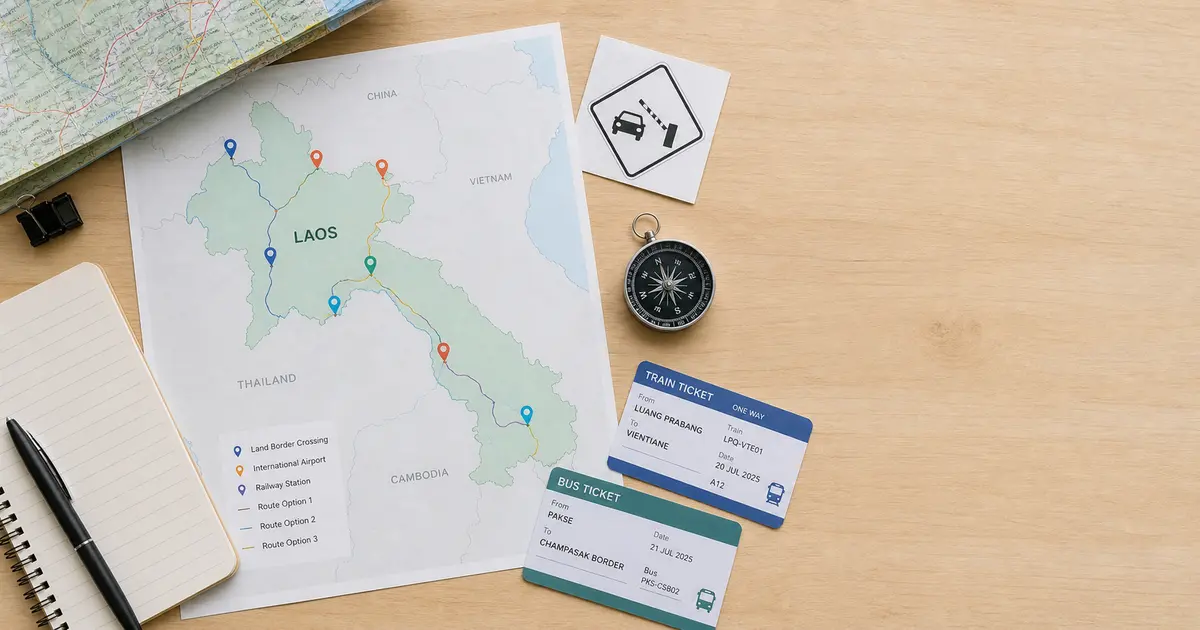
The Lao eVisa is not a general permission to enter through every land border or airport. The official information page lists designated eVisa entry ports, including international airports and selected land checkpoints. The supported list can change, so check the official site before choosing a flight or border route.
Before travel, verify:
your arrival airport or land checkpoint appears on the official eVisa entry-port list;
the port name on your travel plan matches the port you selected or expect to use;
your arrival date is inside the approval-letter validity period;
your passport is the same passport used for the eVisa application.
If your route changes to a checkpoint that is not listed for eVisa use, do not assume the approval letter will work there. Recheck the official site and consider whether visa-on-arrival or another route is appropriate for your passport and itinerary.
Common Status and Letter Mistakes
The most common post-submission mistakes are simple but costly:
losing the application ID and relying only on email search;
checking status with the wrong passport number;
printing a low-quality letter with unreadable details;
arriving through a port that is not on the eVisa entry list;
using a new or replacement passport after applying;
noticing a name or passport-number mistake only at the airline counter.
Disclaimer:
The information in this article is compiled by evisaflow.com from official publications and open internet sources for informational purposes only, and does not constitute formal travel advice. Travel information (including but not limited to visa regulations, entry policies, fees, and attraction schedules) is subject to change without notice. Please verify all details independently with the relevant official authorities before traveling. evisaflow.com assumes no liability for travel disruptions or losses resulting from reliance on this content.