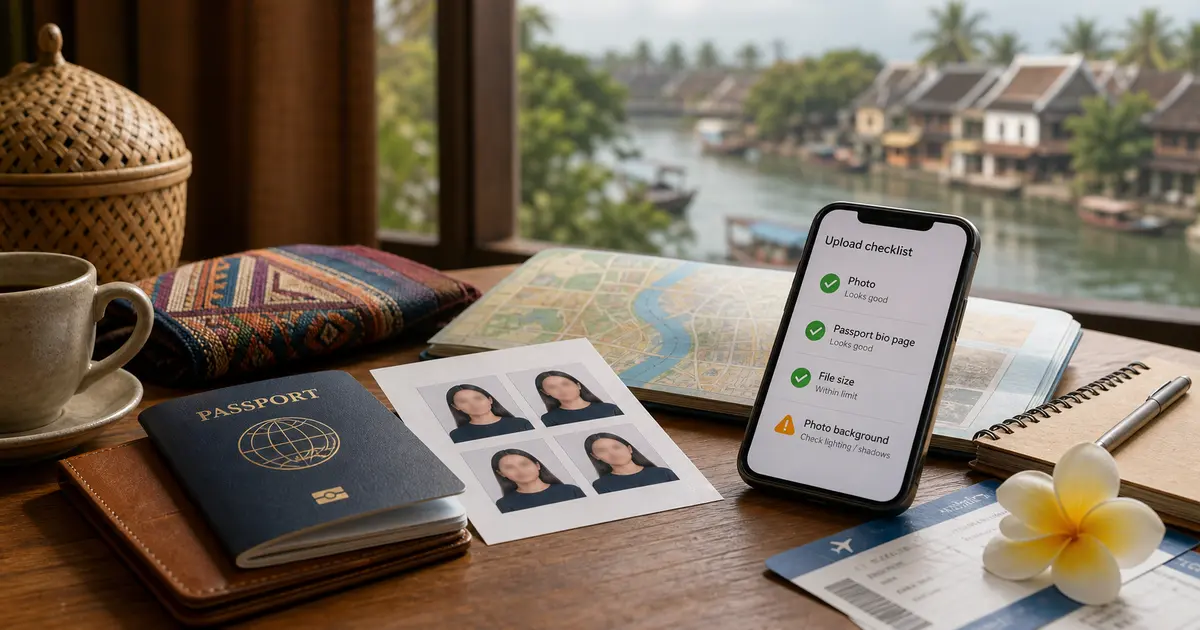
For a Laos eVisa application, the two uploads to check before payment are your 4 x 6 cm portrait photo and the passport bio page image. The official Lao eVisa site says the passport upload must cover the whole bio page, including the two MRZ lines at the bottom, and upload problems can delay processing.
TL;DR: Use the official portal at laoevisa.gov.la. Upload a recent color 4 x 6 cm photo on a plain white background with no shadows, and a full passport bio page image that includes the MRZ. The application page lists JPG/JPEG/PNG uploads with a 2 MB maximum file size. Check these before payment because the eVisa fee is non-refundable under the official FAQ.
Quick Upload Checklist
| Upload | Official requirement to verify | Common mistake |
|---|---|---|
| Portrait photo | 4 x 6 cm, color, taken within the last 6 months, plain white background, no shadows, facing camera, neutral expression, both eyes open | Cropped too tight, visible shadows, colored wall, old photo, tilted face |
| Passport bio page | Full bio page image, including the MRZ two lines at the bottom | MRZ cut off, glare over passport number, page edge missing, low-resolution scan |
| File format | JPG/JPEG/PNG on the application upload screen | PDF or HEIC file uploaded from a phone |
| File size | Maximum 2 MB on the application upload screen | High-resolution phone image too large |
| Passport validity | More than 180 days from arrival, according to the official FAQ | Applying with a passport that is close to expiry |
Photo Mistakes That Can Delay Review
The official FAQ gives a short but strict list: your photo must be 4 x 6 cm, in color, taken within the last 6 months, with no shadows, and on a plain white background. You must face the camera, keep a neutral expression, and keep both eyes open.
Before uploading, check the file on a larger screen if possible. Phone photos often look acceptable in the gallery but fail when the background is grey, the face is slightly angled, or the image has shadow from room lighting.
Use this practical check:
- the background is plain white, not beige, blue, textured, or patterned;
- the face is centered and fully visible;
- the eyes are open and not covered by glare, hair, or frames;
- the image is not a selfie with a tilted head or arm-length distortion;
- the photo is recent enough to match your current passport appearance.
Passport Bio Page and MRZ Checks
The passport upload is not just a photo of the passport number. The official information page says the passport image should cover the whole bio page, including the MRZ, which means the two machine-readable lines at the bottom of the page.
Check these points before continuing:
- all four corners of the bio page are visible;
- the passport number, name, date of birth, issue date, and expiry date are readable;
- the two MRZ lines at the bottom are not cropped out;
- there is no glare over the photo, passport number, or MRZ;
- the image is straight enough that the text can be read without guessing.
If the crop tool on the official page cuts off the bottom lines, choose a wider crop and keep the whole bio page inside the selection.
File Format and Size
The official application upload screen lists JPG, JPEG, and PNG for photo and passport uploads, with a maximum file size of 2 MB. If your phone saves images as HEIC, convert them before uploading. If a camera scan is too large, resize or compress it without making the text blurry.
Avoid sending a screenshot of a passport photo from a messaging app. Messaging apps often compress images in ways that make small text and MRZ lines harder to read.
What to Check Before Payment
Before you pay the Lao eVisa fee, slow down and check the fields that must match your passport:
- surname and given names exactly as in the passport;
- passport number;
- date of birth;
- passport issue and expiry dates;
- country of passport;
- intended entry date and port of entry;
- email address for application messages.
The official FAQ says the eVisa fee is non-refundable under any circumstances. Treat payment as the point where upload and identity mistakes become harder and more expensive to fix.
If you fill Laos eVisa forms often or prepare details for several travelers, eVisaFlow Southeast Asia includes built-in quick-open access to the Laos eVisa official website and can fill saved passport, trip, stay, and contact information on the official form.
When to Check Status
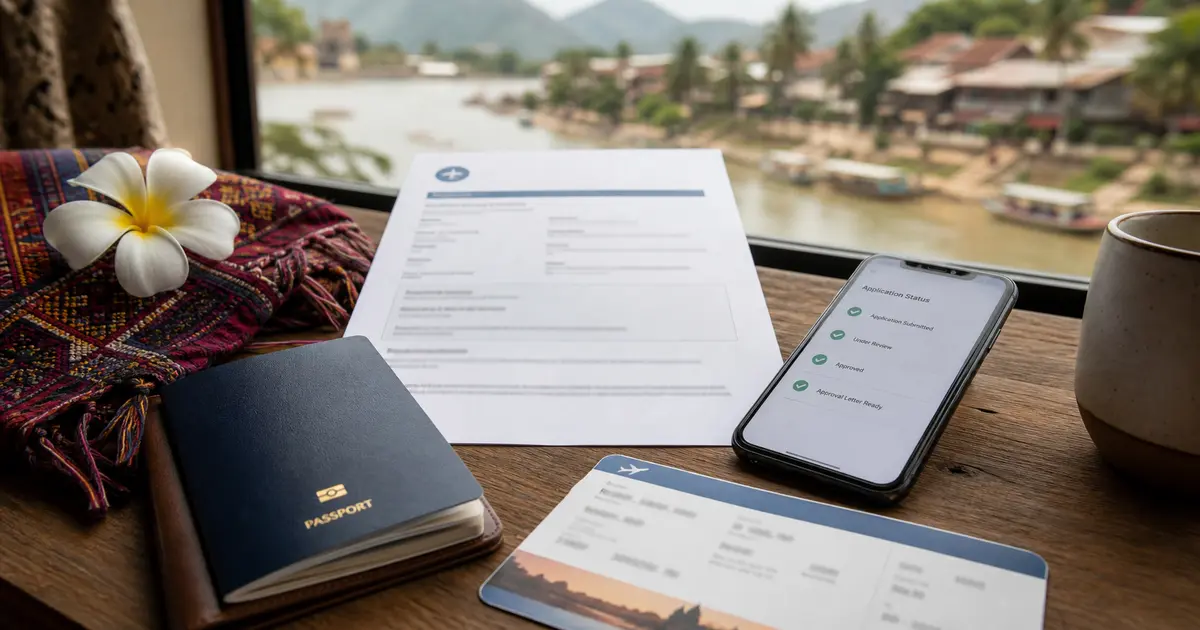
After submission, the official information page says processing is usually 3 working days after the application and fee are submitted, provided the information meets the criteria and is accepted by the Lao Government Authorities. Processing can take longer if information is incomplete or during public holiday breaks.
For status checks, use the official status page at laoevisa.gov.la/checkstatus with your application ID and passport number.