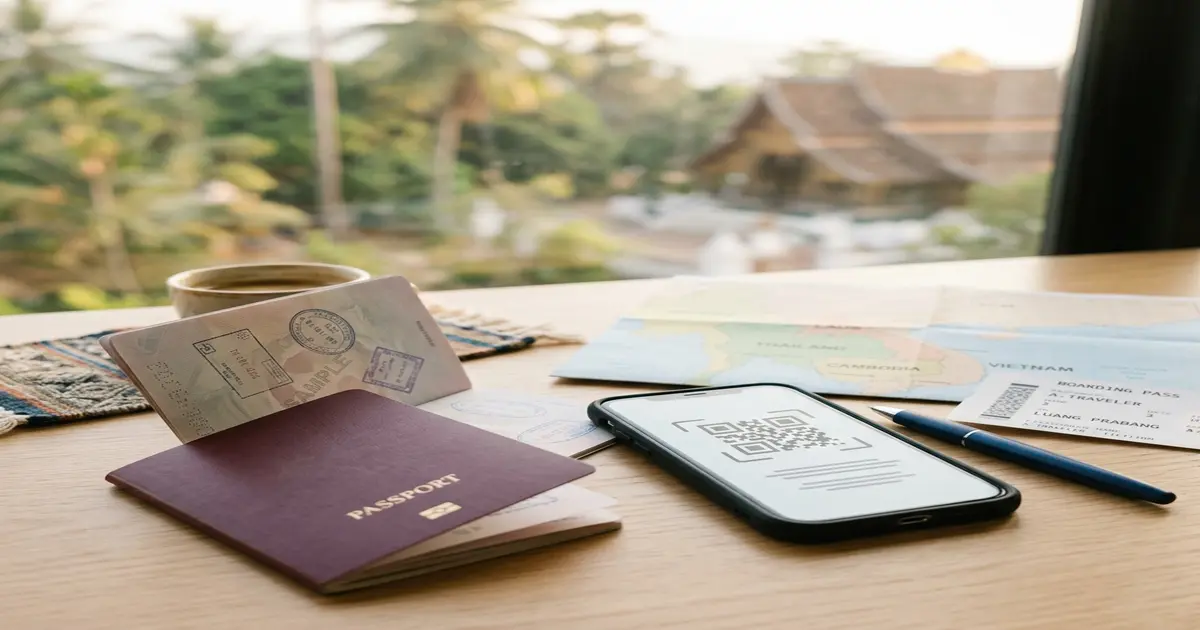
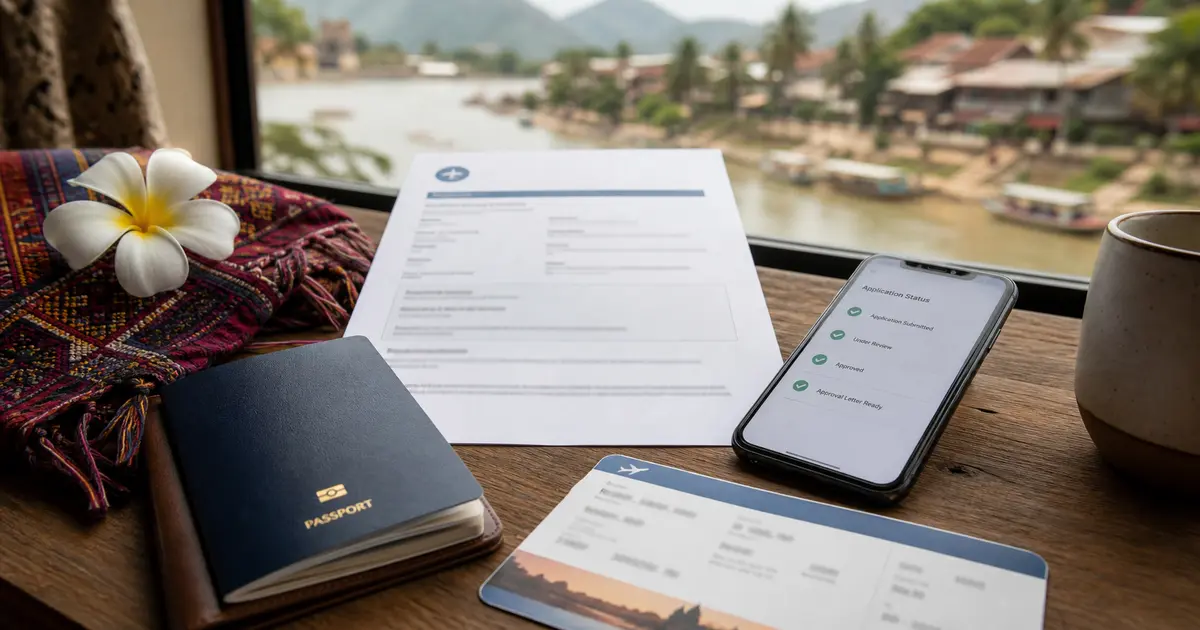
Foreign passport travelers entering or leaving Laos should use the official Lao Immigration portal for the Lao Digital Immigration Form (LDIF). The official registration portal is immigration.gov.la, and the registration itself is free. Treat LDIF as an arrival/departure record, not as a visa or eVisa approval.
TL;DR: Go to immigration.gov.la. The Lao Immigration site says foreign travelers using passports must submit arrival and departure information within 3 days before travel and save the generated QR code. This is not a visa. You still need a valid visa exemption, eVisa, Visa on Arrival, or other entry permission for your passport and route. Do not rely on paid third-party LDIF sites.
I. Lao LDIF Arrival Card Rules
| Item | Official Requirement | Practical Note |
|---|---|---|
| Official Portal | immigration.gov.la | Avoid third-party websites that charge processing fees for this registration. |
| Submission Window | Within 3 days before arrival / departure | You cannot select your travel date if you try to register too early. |
| Official Fee | Free | There is no government charge. Close the page if you are asked for card details. |
| Who Needs It | Foreign travelers using passports | Applies separately from visa-free entry, eVisa, or Visa on Arrival permission. |
II. How to Apply and Get Your QR Code
Completing the form takes about 5 to 10 minutes. Before you start, have your passport and first-night hotel details ready, then follow these steps:
- Select Your Channel: Visit the official website and select "Arrival Register" or "Departure Register" depending on your current journey.
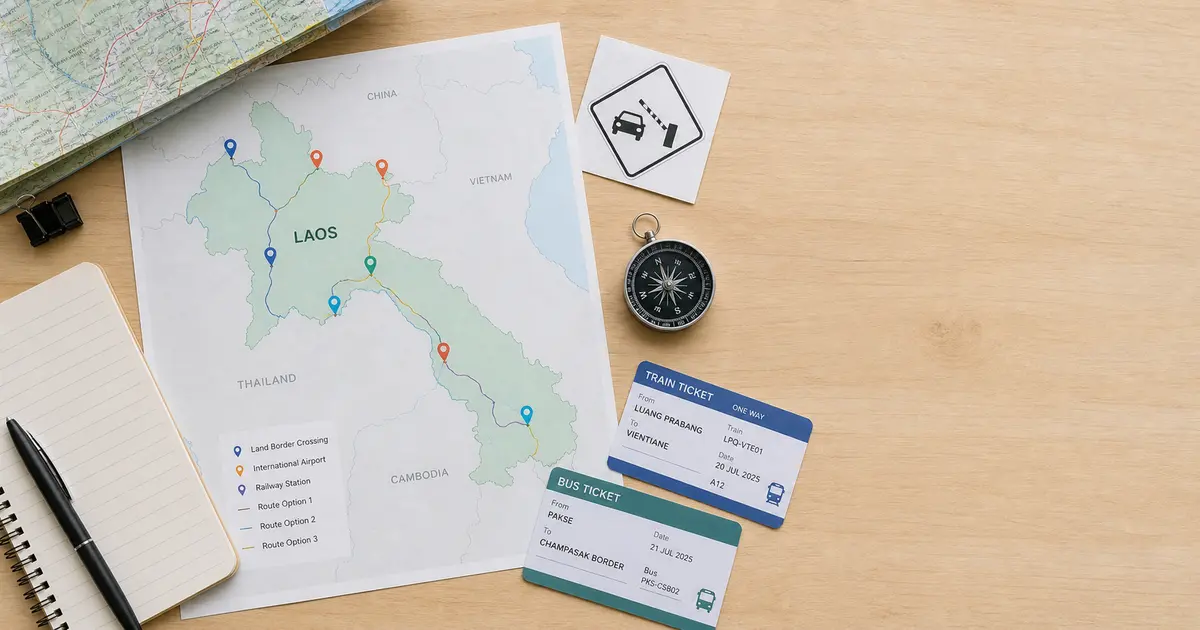
- Select Port and Transport: Choose your entry checkpoint (such as Wattay Airport, Boten Railway Station, or the First Lao-Thai Friendship Bridge) and select your mode of transport (flight number, train number, or bus).
- Enter Passport Information: Type your name exactly as it appears in the machine-readable zone (MRZ) at the bottom of your passport, including any middle names.
- Provide Lodging Address: Enter the name and address of your hotel or residence for your first night in Laos.
- Save the QR Code: Confirm your details, submit the form, and instantly screenshot or print the generated QR code page.
III. Avoidance Guide: Common Questions and Filling Mistakes
Q: I already got my Laos eVisa. Do I still need to complete the digital arrival card?
Yes. The eVisa (applied at laoevisa.gov.la) is your official entry visa permission, which requires a payment. The digital arrival card (LDIF, registered at immigration.gov.la) is a free declaration replacing the old paper arrival/departure card. You must complete the LDIF regardless of your visa type.
Q: What should I do if the website is down, fails to load, or cannot submit?
Do not wait until the immigration desk to try the portal for the first time. If the page freezes, try a different browser, a desktop screen, or a more stable connection before travel. If you still cannot submit, check the official portal, your airline, or border staff instructions for your route instead of paying a third-party site that claims to "fix" LDIF access.
Q: What if there is no internet connection at the checkpoint?
Do not wait until you reach the border to load the website. Complete the form at your hotel or before boarding, then save the QR code page as a screenshot on your phone or carry a printout so you can show the registration record even if mobile data is weak.
Q: Do I need to register when departing Laos?
Yes. The LDIF is a two-way registration. Before leaving the country, you must log back into the portal within 3 days of your departure date, select "Departure Register," and get a new departure QR code.
Q: How do I ensure my name spelling is correct?
The safest way is to copy the letter sequence from the two machine-readable zone (MRZ) lines at the bottom of your passport page. If you have a middle name, include it, as name mismatches can lead to boarding or border delays.
Q: What should I prepare if I plan to get a Visa on Arrival (VOA)?
The digital arrival card does not replace a VOA. Before queueing at the VOA window, check the current visa-on-arrival requirements for your nationality and checkpoint, including photo, cash, fee, and passport-validity rules. Do not treat the LDIF QR code as proof that your visa fee or visa eligibility has been accepted.
IV. How to Improve Form Filling Efficiency?
The official Lao digital arrival card website does not support saving drafts. If you are preparing details for several family members or travelers, typing repeated passport, travel, and lodging details on an unstable portal can be tedious.
The eVisaFlow Chrome extension can fill saved passport, traveler, trip, and intended address details on the relevant official website, reducing manual typing errors and saving time.